 MDML
MDMLTrades pack · Trades and home services
From the first call to the paid invoice.
A Needs-you inbox for the owner, a dispatch board for the office, a phone app for your techs, and estimates your customers sign and pay from a link.
Early access Opening to a few companies at a time. The practice app is a made-up roofing company: nothing is saved or sent.
Watch it work
Watch it work. A few seconds each.
1.0 The office
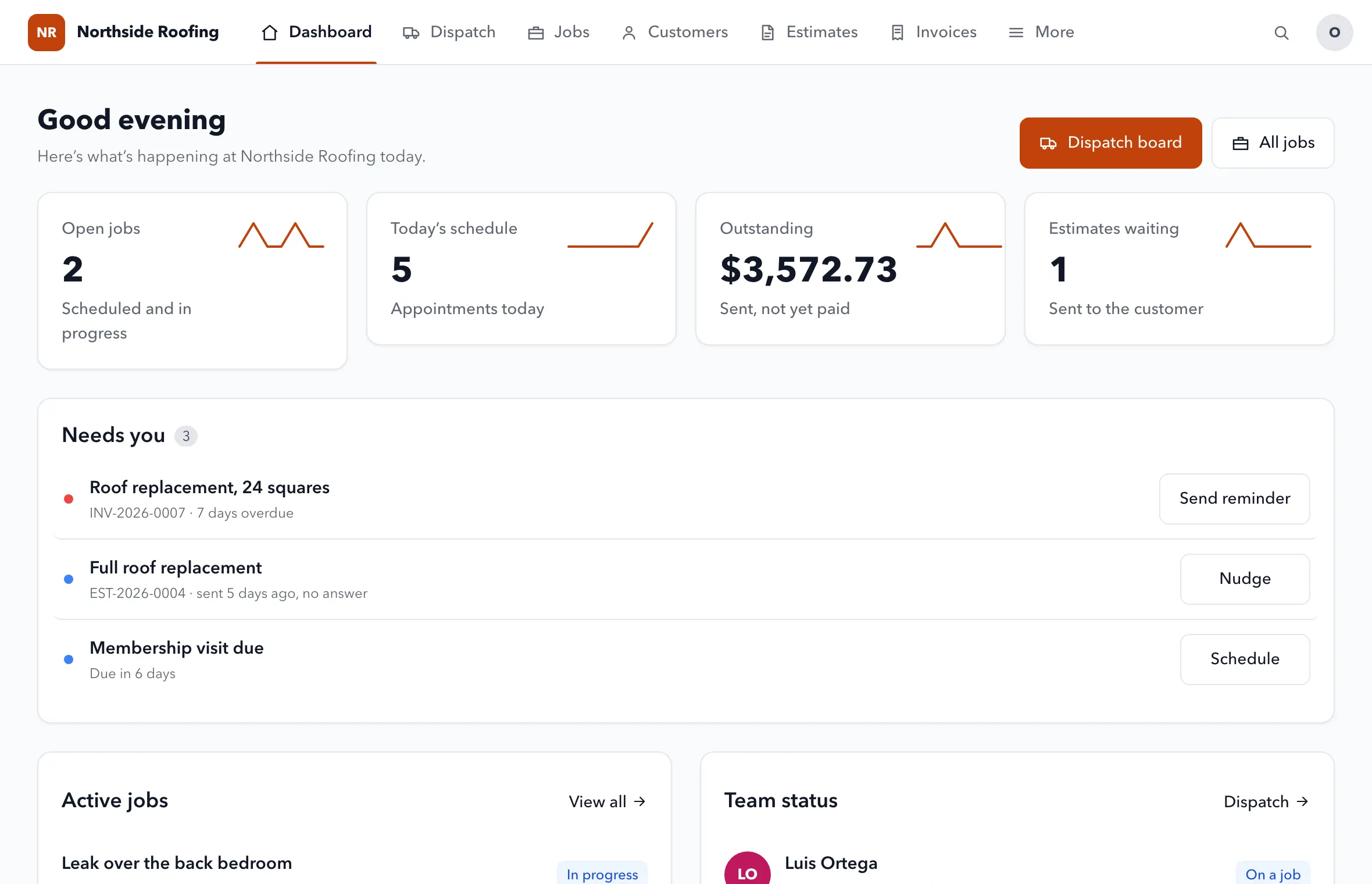
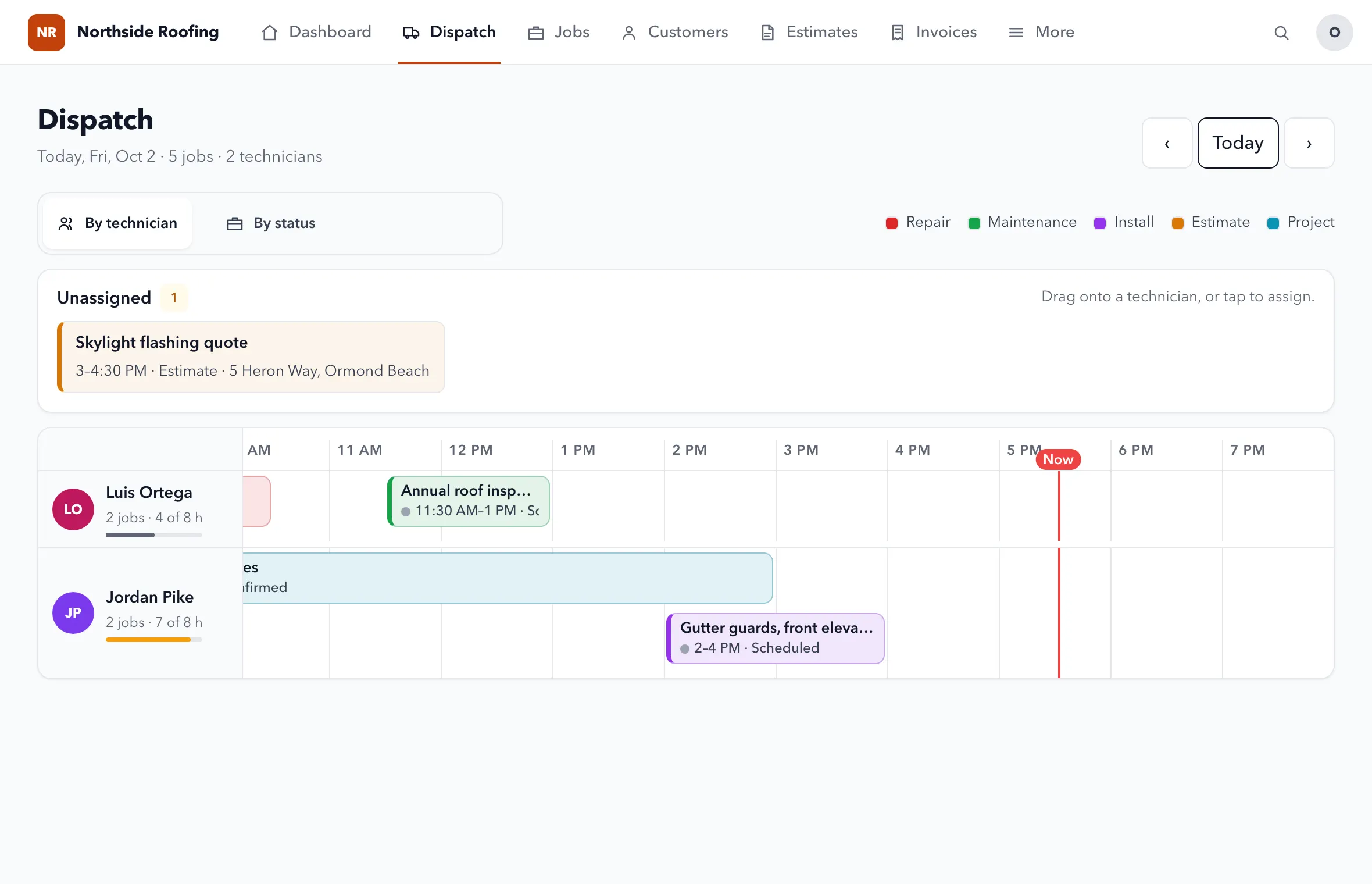
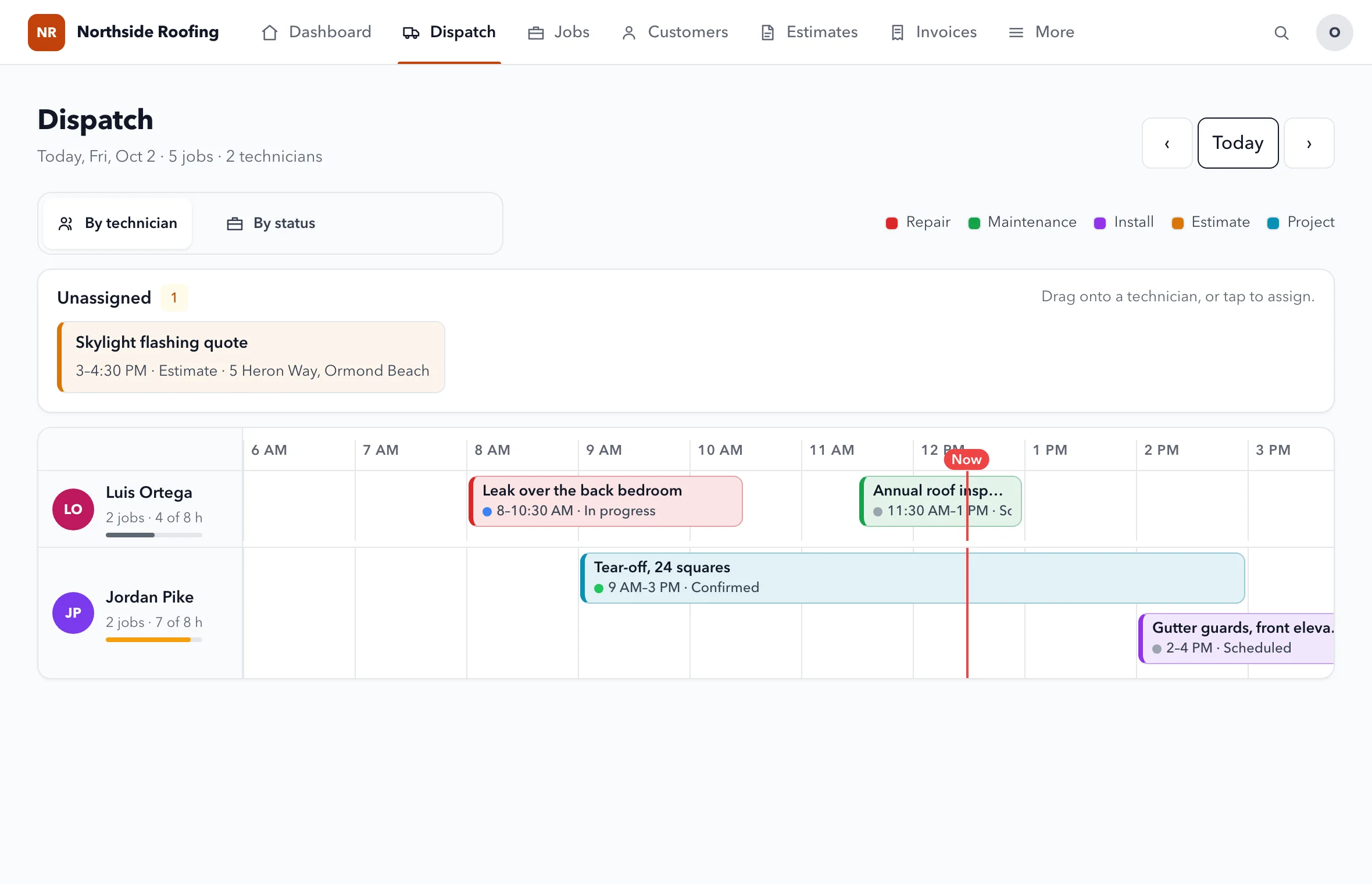
Know what needs you. Then drag it to a tech.
Late starts, unassigned jobs, overdue invoices and quiet estimates, each with one button. Then today's work, by technician.
- A Needs-you inboxA tech who hasn't started, a quote with no one on it, an overdue invoice, an estimate with no answer, a plan visit due. Each with its next step.
- Drag-and-drop dispatchDrag unassigned work onto a tech and see each tech's hours for the day.
- Every customer in one placeJobs, visits, invoices, estimates, equipment, sites and plans.
- Search everythingCustomers, jobs, estimates and invoices from one search box.
- Price bookYour parts and services with cost, markup and price.
- Purchase orders and receiptsWhat you ordered and what it cost, by job.
- TimesheetsJob time from the techs' timers, approved by a manager.
- Techs never see moneyPrices, invoices and margins stay with the office.
- Free trade calculatorsConcrete, stairs, rafters and drywall. No login.
2.0 In the field
An app your techs will use. Big buttons, no paperwork.
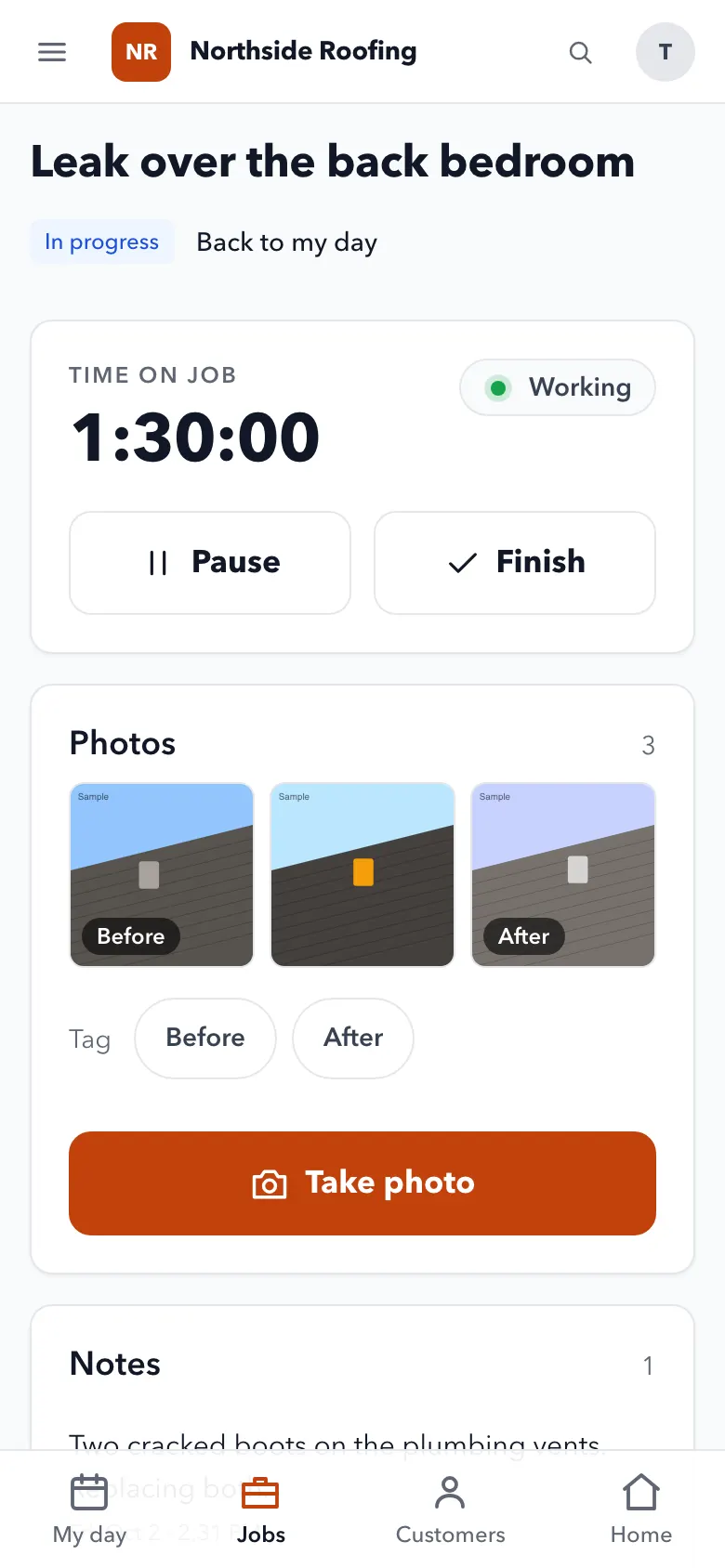
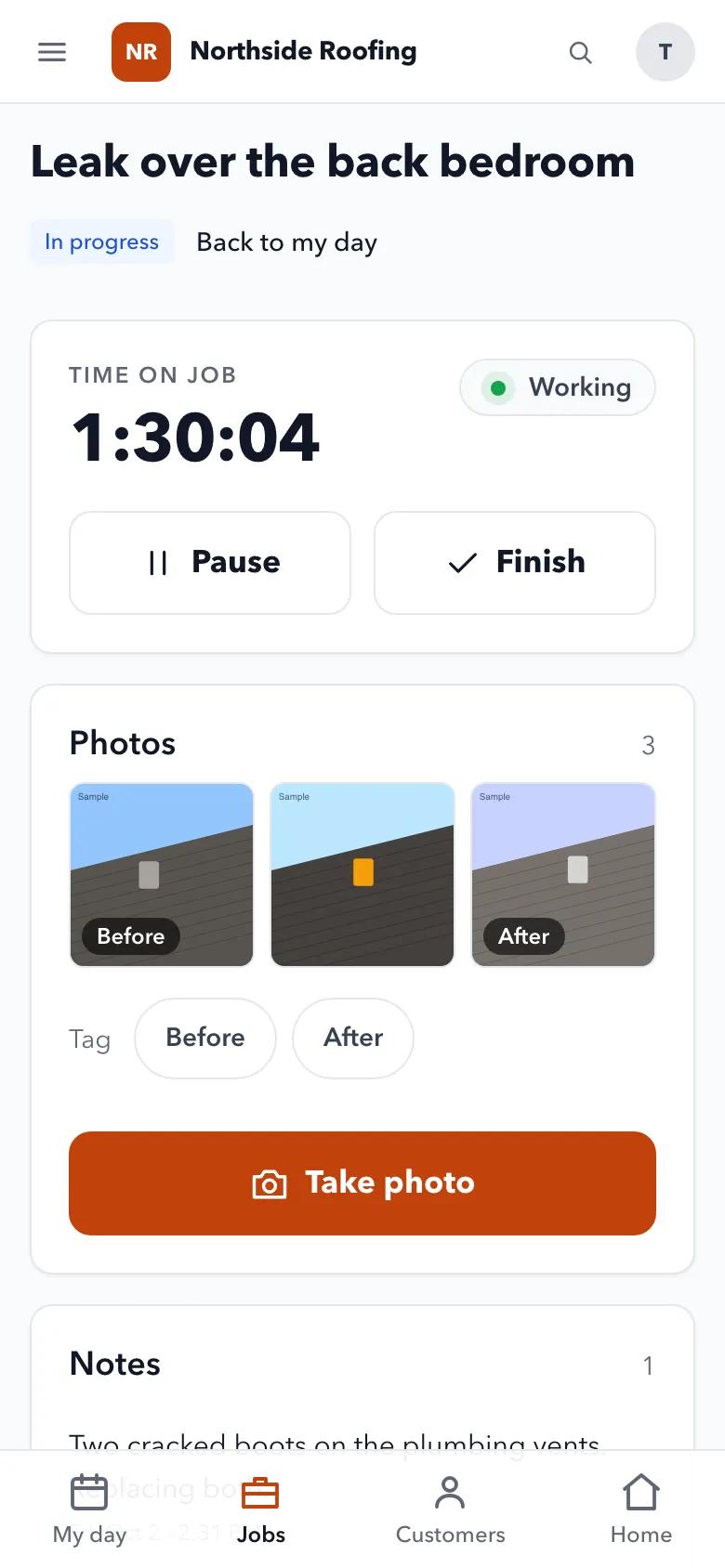
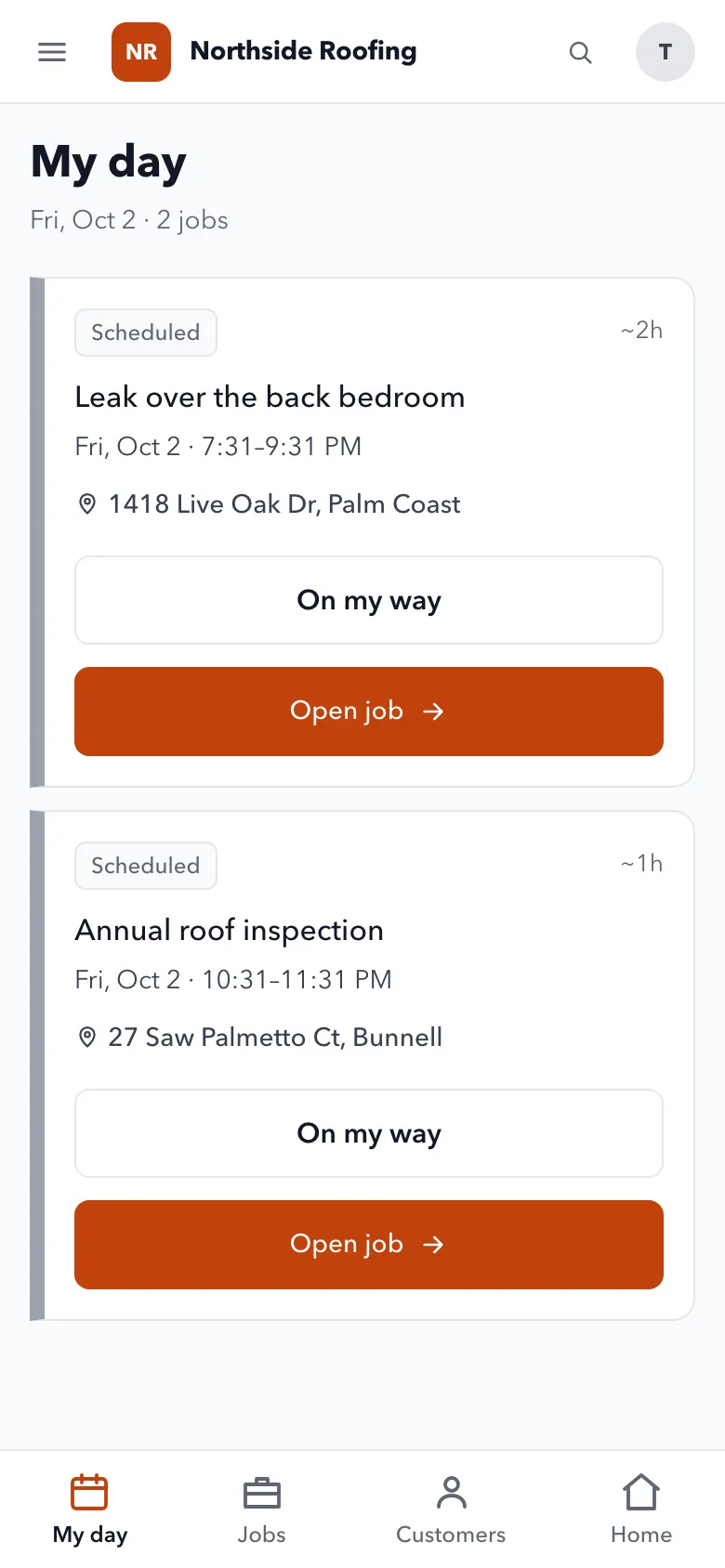
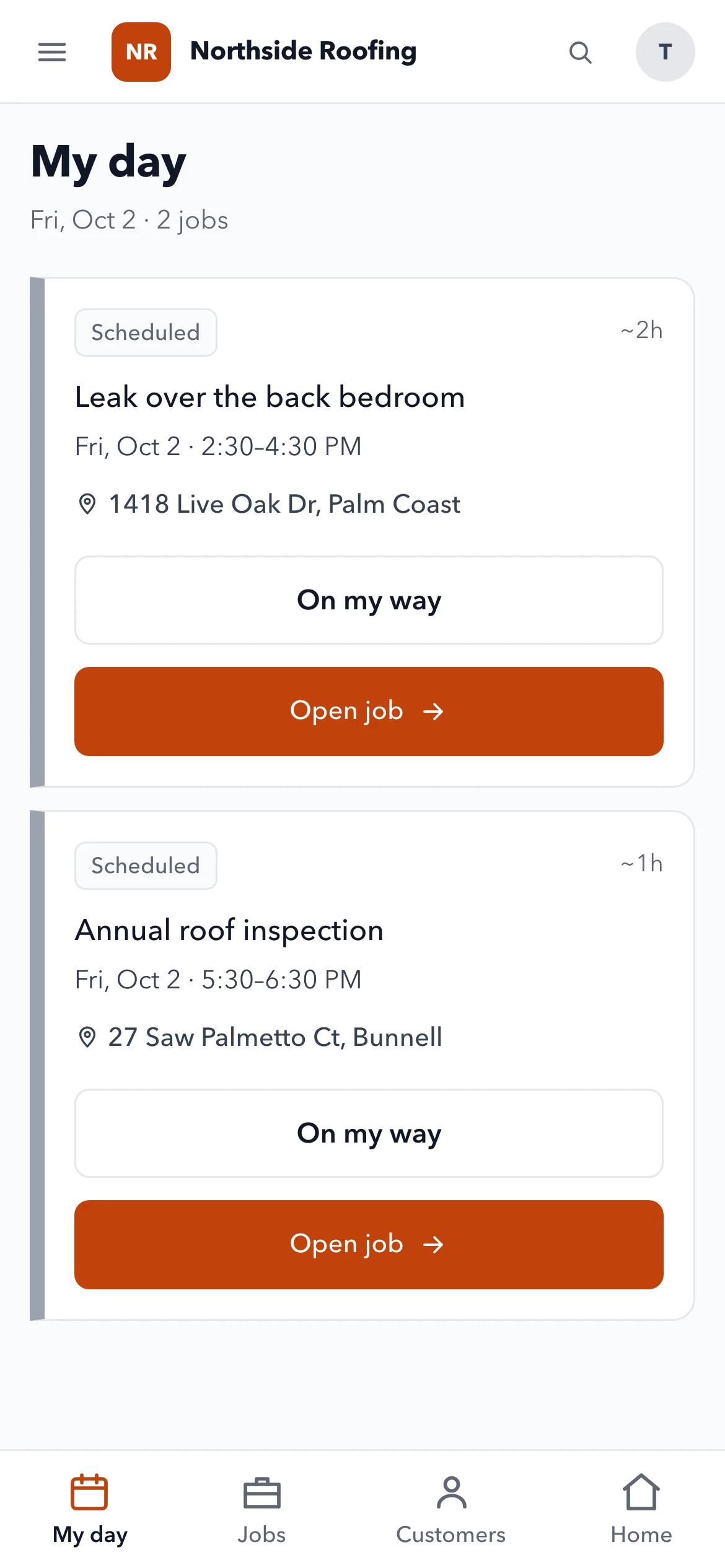
Their day on one screen. Tap On my way, start the timer, take before and after photos, collect payment and get a signature.
- My dayToday's jobs with the address to tap for directions, and On my way with an arrival time.
- The job screenA live timer, before and after photos, notes, parts used and a punch list.
- A daily logOne per day, with the weather.
- Finish on siteCollect payment, take the customer's signature and close the job with a summary.
3.0 Estimates to payments
Estimates they sign. Invoices they pay.
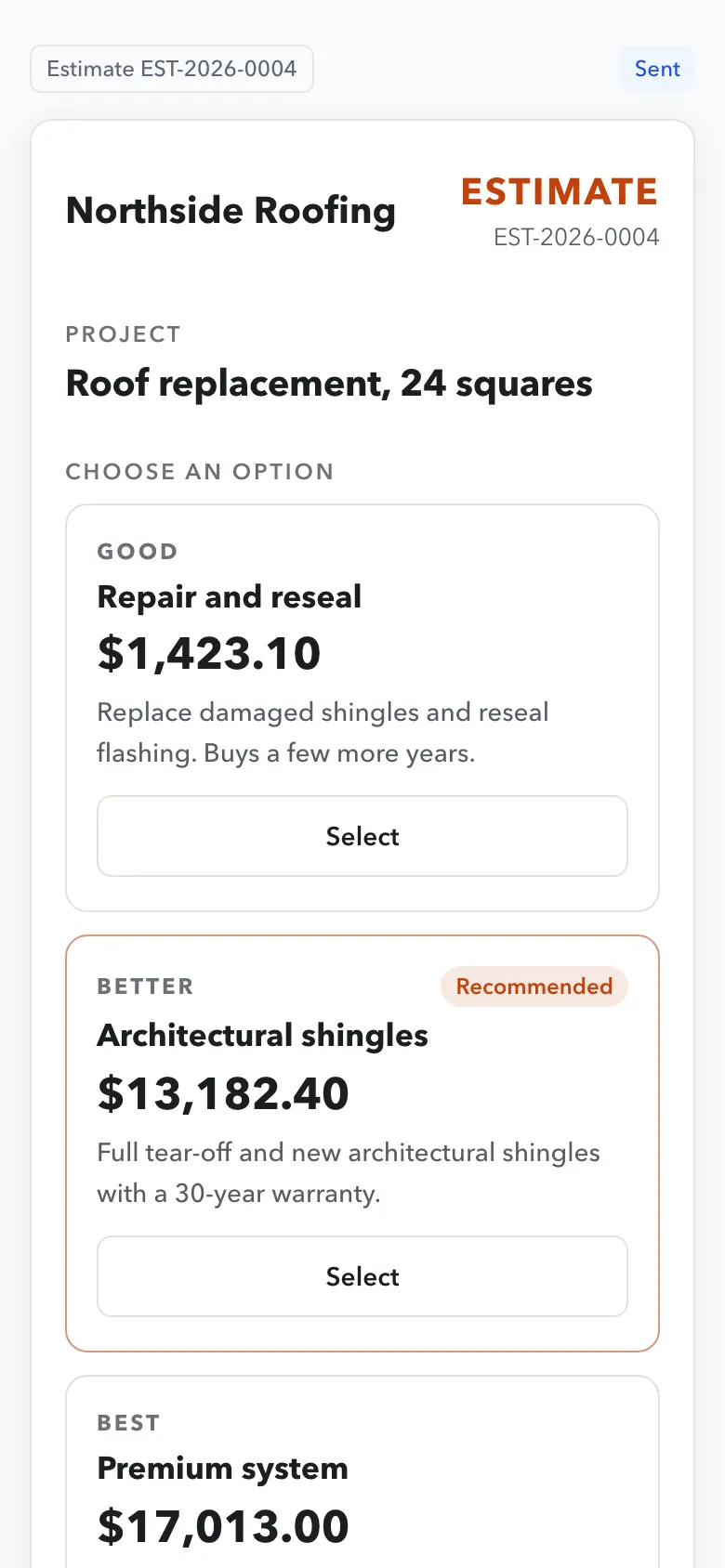
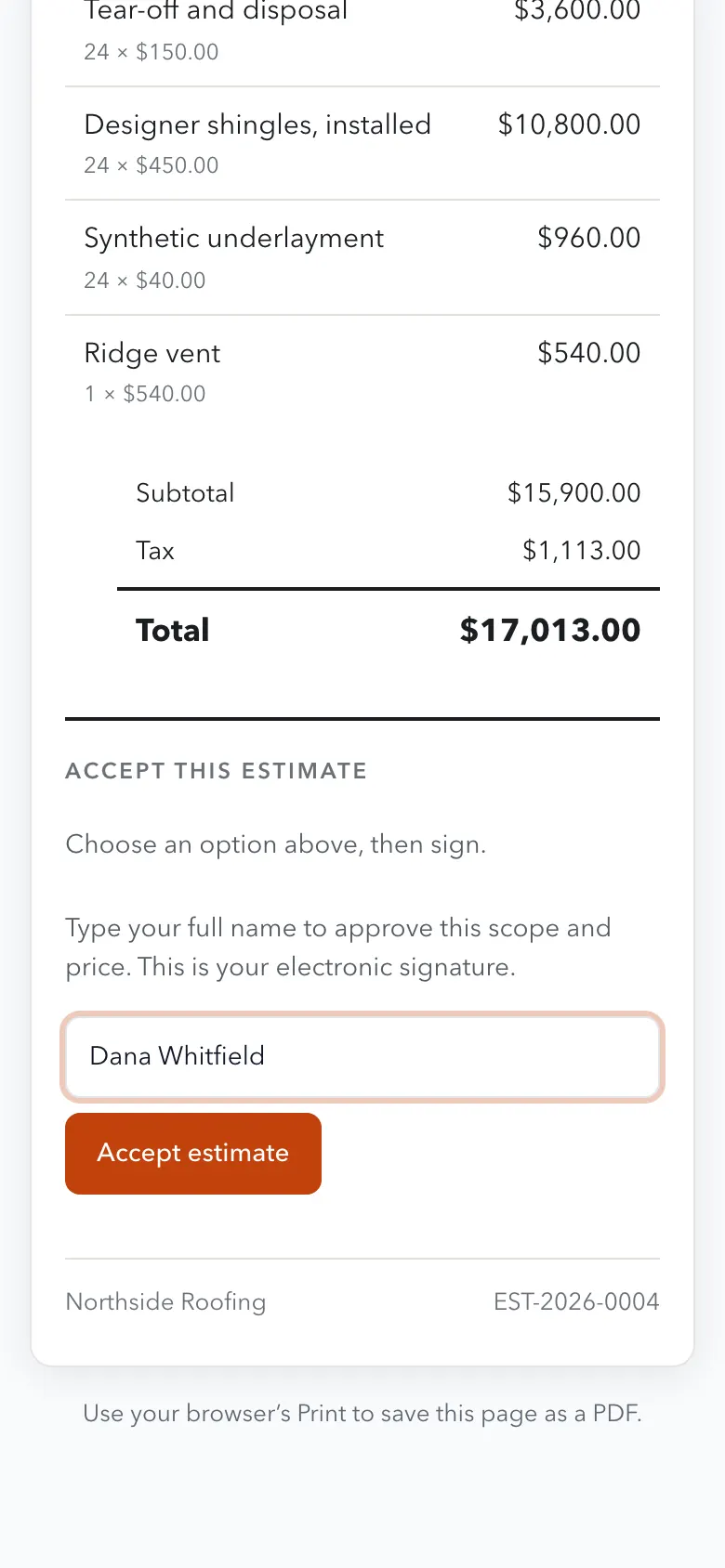
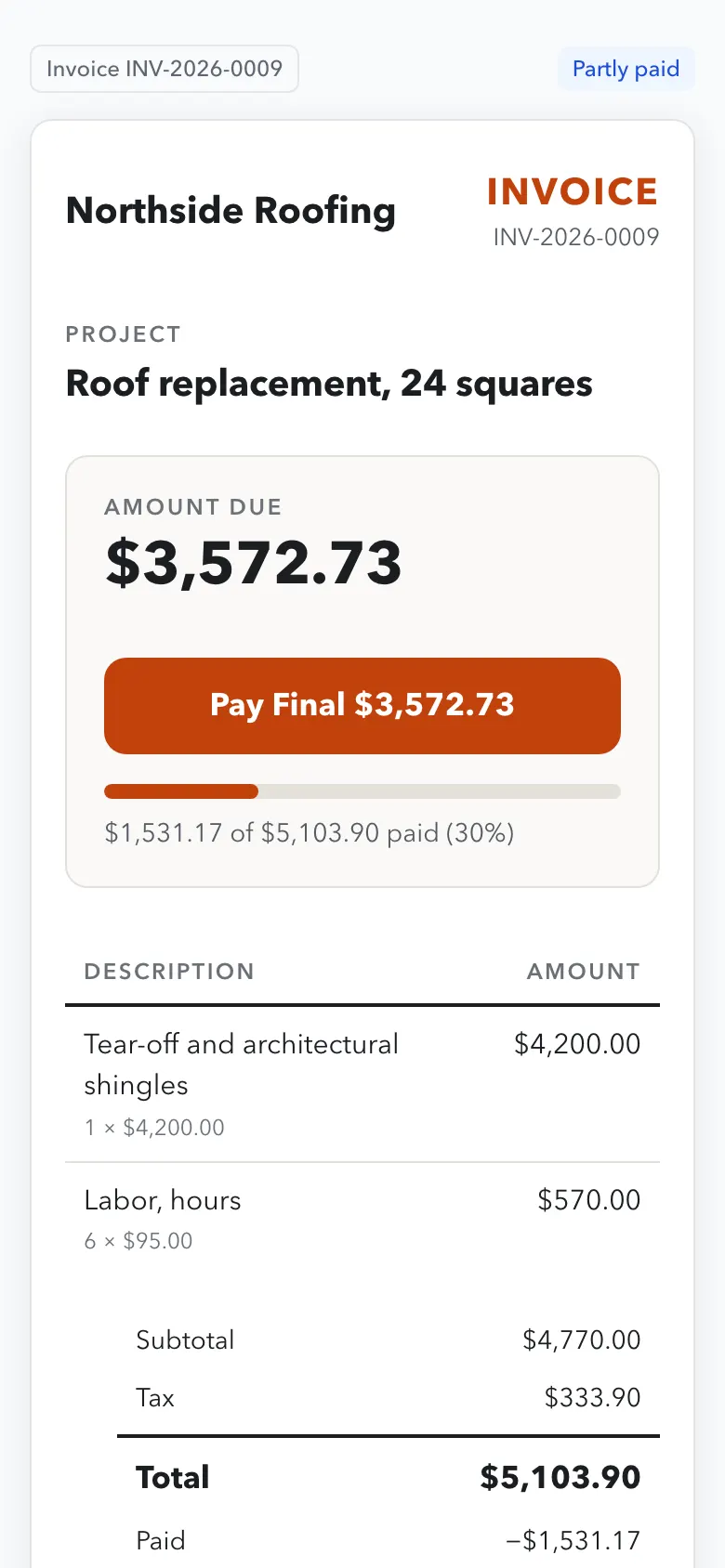
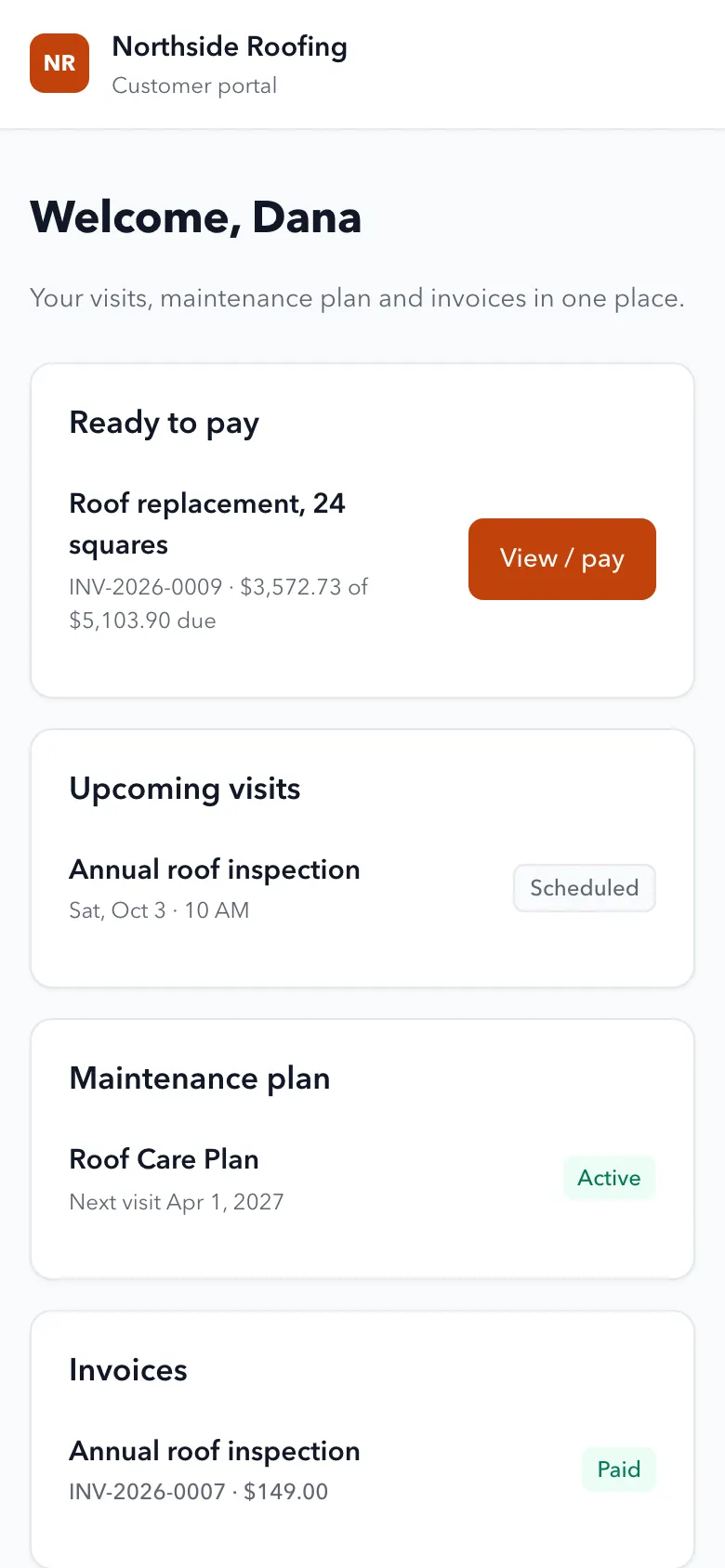
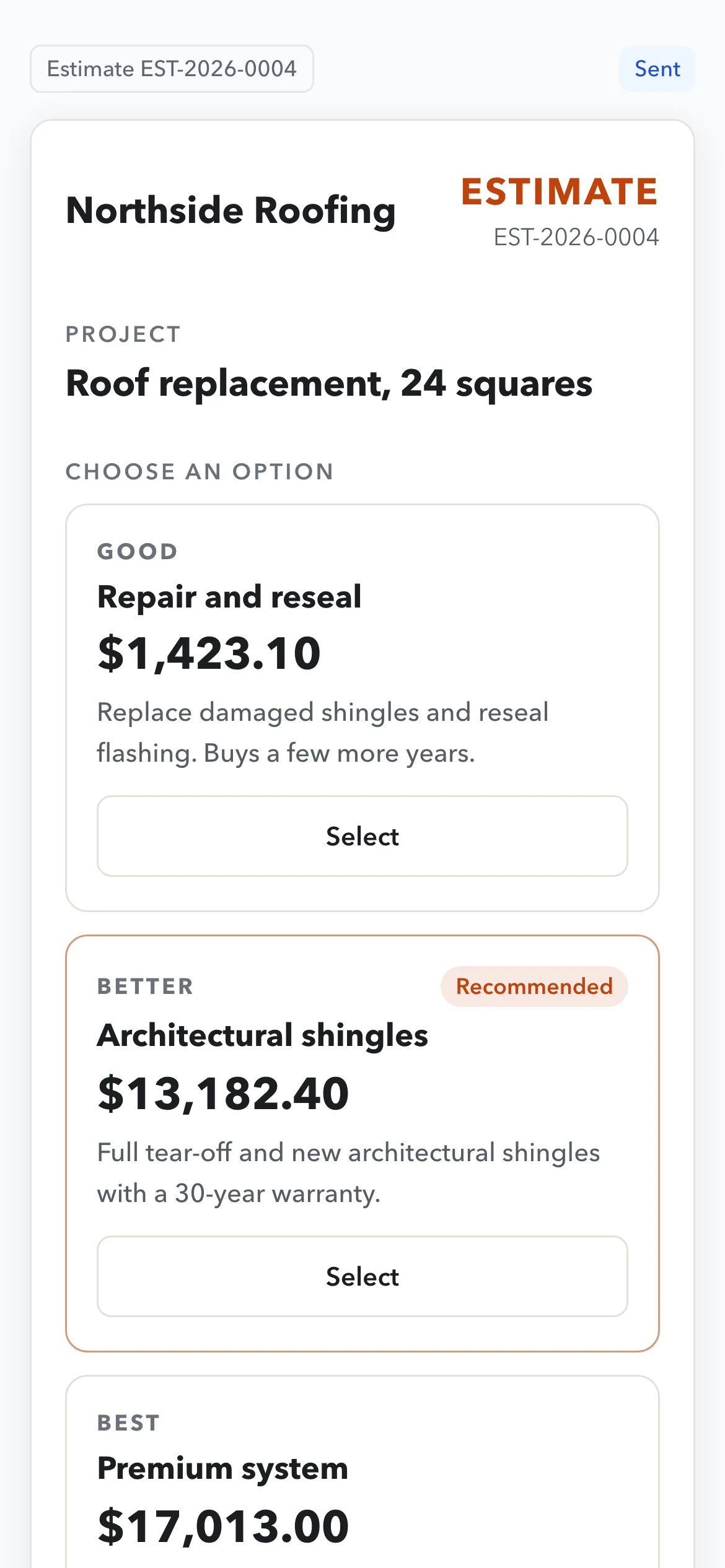
Customers pick an option and sign on their phone. Invoices show what's due now and what's paid, with one button to pay.
- Good, better, bestOptions side by side, one marked Recommended, signed by typing a name.
- Change orders from a linkThe customer approves or declines the change.
- Deposit, progress, finalA payment schedule with a progress bar and one Pay button for the next payment.
- Maintenance plansPlans billed on a schedule, with the visits they include booked from a reminder.
- A customer portalTheir invoices to pay, upcoming visits and their plan, in one place.
4.0 Calls and follow-up
Every call answered. Every estimate followed up.
The phone, the reminders and the reviews, handled for you.
- AI call answeringWhen your team can't pick up, it looks up the caller and their job, checks the schedule and books the visit, inside the hours and spending caps you set.
- Reminders that follow upThree emails, then a text, then a call list for a person. Quiet hours and opt-outs respected.
- Review requestsSent after every finished job. Never filtered by rating.
- Bring your data from ServiceTitanCustomers, sites, equipment, jobs, memberships, estimates and invoices, read across when you switch.
5.0 Early access
What early access means for this app.
- Card payments go through your own Stripe account. They run in test mode until yours is connected.
- Texts, emails and call answering are switched on during setup, with your own number.
- Moving from another system? We bring your customers and jobs across first.
The real app
From the practice app's made-up roofing company. Every moving screen on this page is built from captures like these.
See it with your own jobs. Ask for early access.
Tell us what you do and how many techs you run. We'll set it up with you.