 MDML
MDMLUse it as is
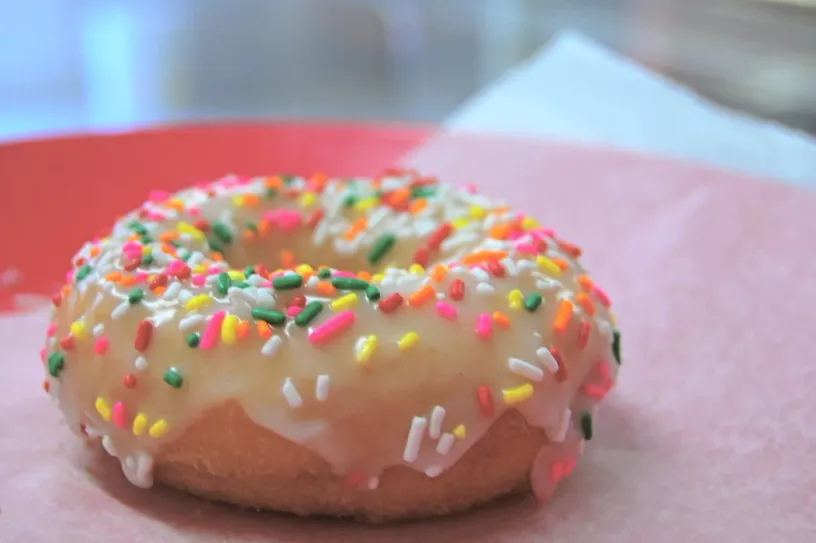
Your photo exactly as you took it. We write the caption and post it.
Content studio
Ideas every week, your own photos first, your brand's style, and as much or as little AI as you want. Posted to Instagram and Facebook when you say so.
 Free · no AI
sunrise.donuts Rainbow sprinkle, glazed this morning. Out of the fryer at 7.
You approve every post. Nothing goes out on its own unless you turn that on.
1.0 The dial
Choose per post. The first steps are free and change nothing that wasn't there; each step after hands more of the picture to the AI.
Your photo exactly as you took it. We write the caption and post it.
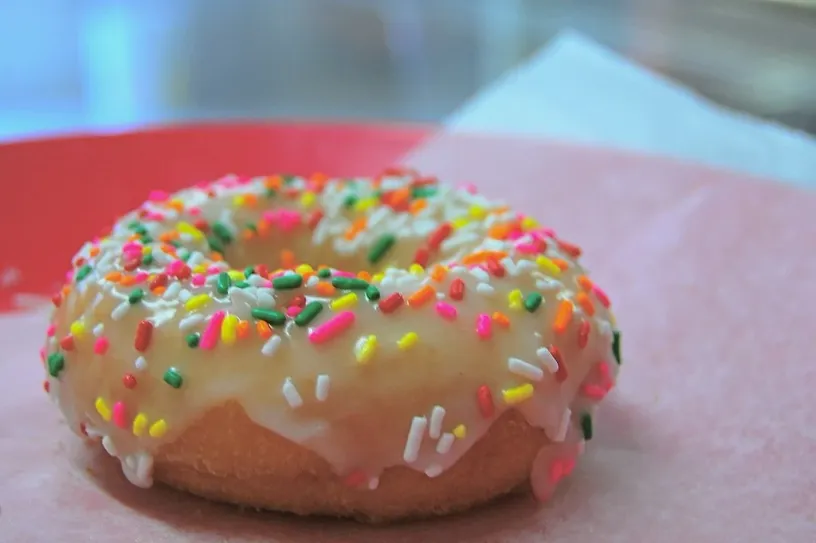
Cropped for the platform with the subject kept in frame, light evened out, colour and detail lifted. No AI: nothing is added or removed.
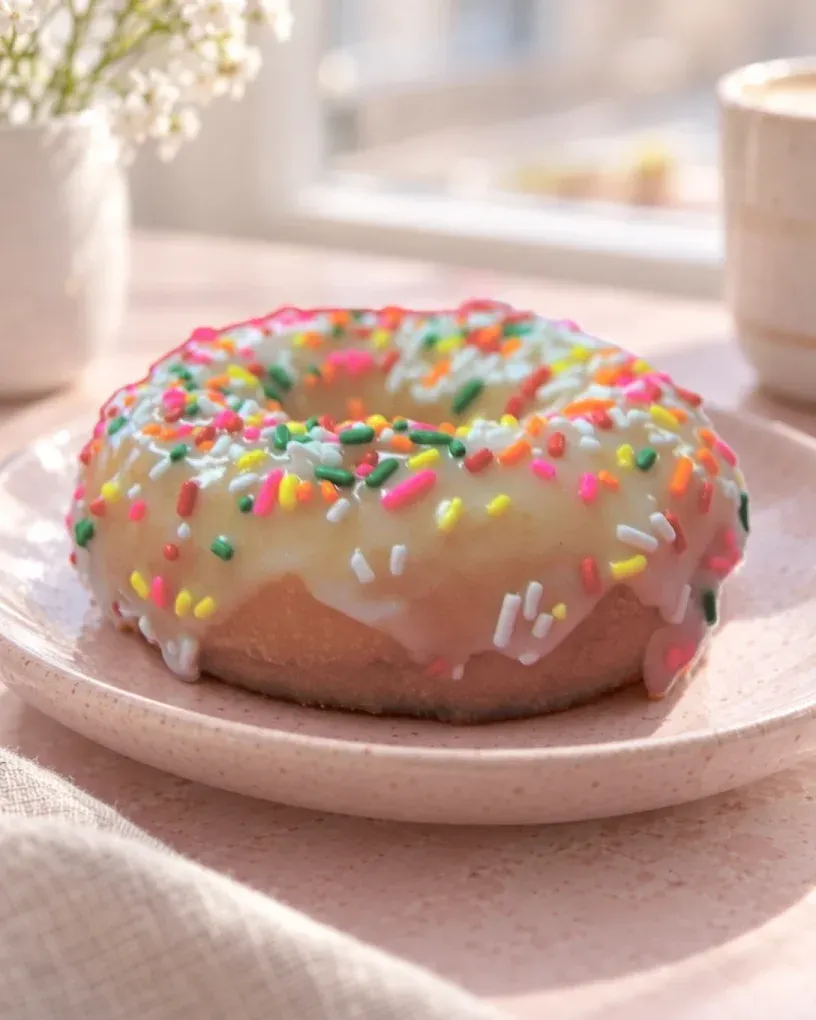
A new, believable background around your real product. The product's own pixels are put back from your photo afterwards and checked, so it can't change.
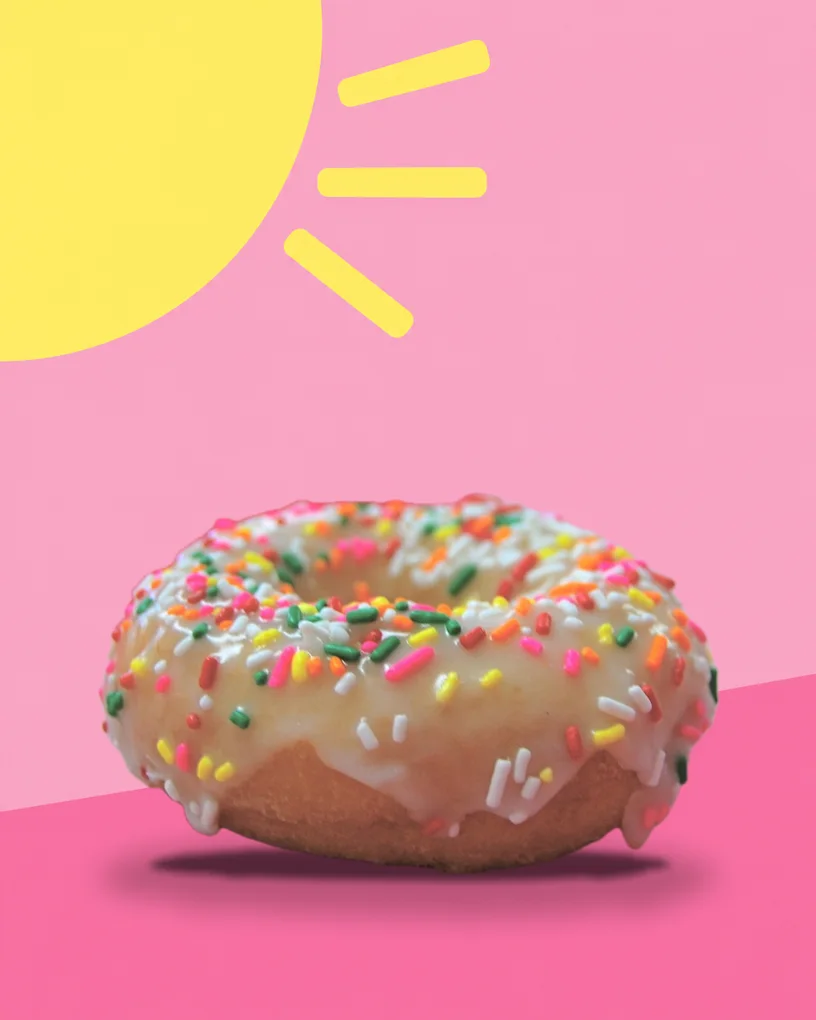
A designed post in your brand colours built from your photos as references. Reads as an ad, not a real place.
A new picture from a description. Add your photos as references so it matches your brand; without them it's fully made up, so use it for ideas, not your products.
Trim, crop to 9:16 or 4:5, change the speed and add a line of text. Runs on your device; nothing is generated.
A short clip made from your photo: steam rising, light moving, a slow camera push. Every frame is drawn by the model.
A new short clip from a description, using your photos as references when you add them.
2.0 Designed posts and ads Early access
Three designed posts in one style, each in its own palette, with captions in the shop's voice. Then three Instagram ads from the same photos.
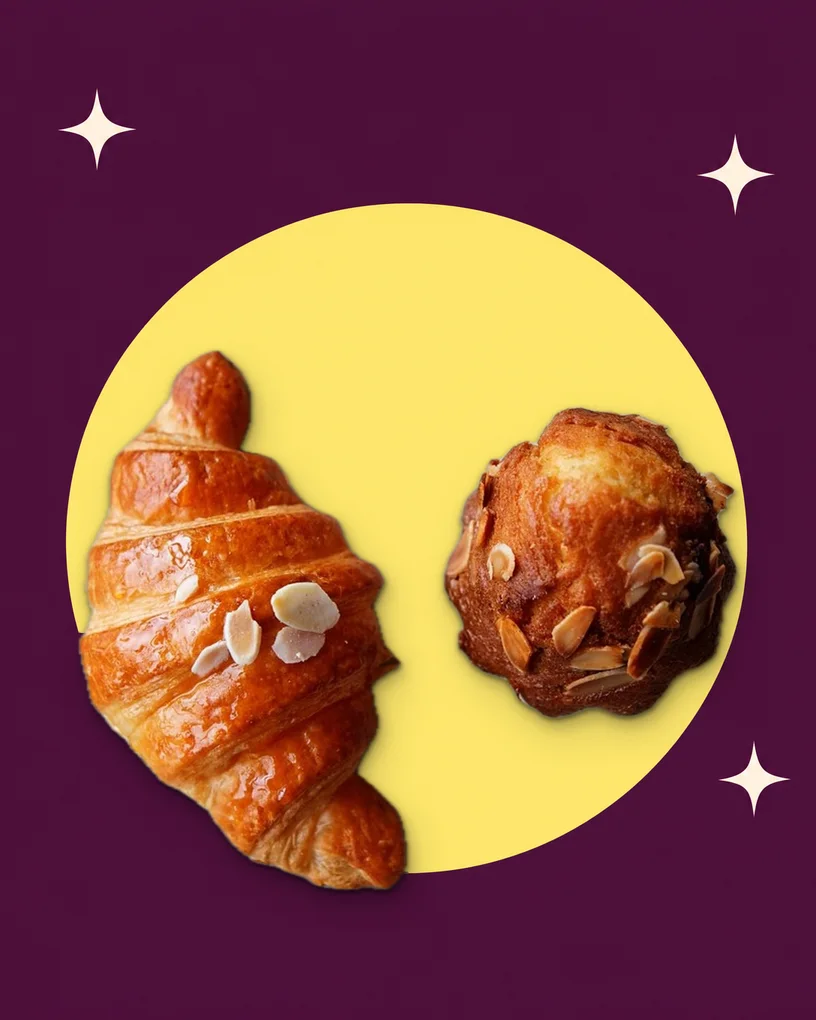
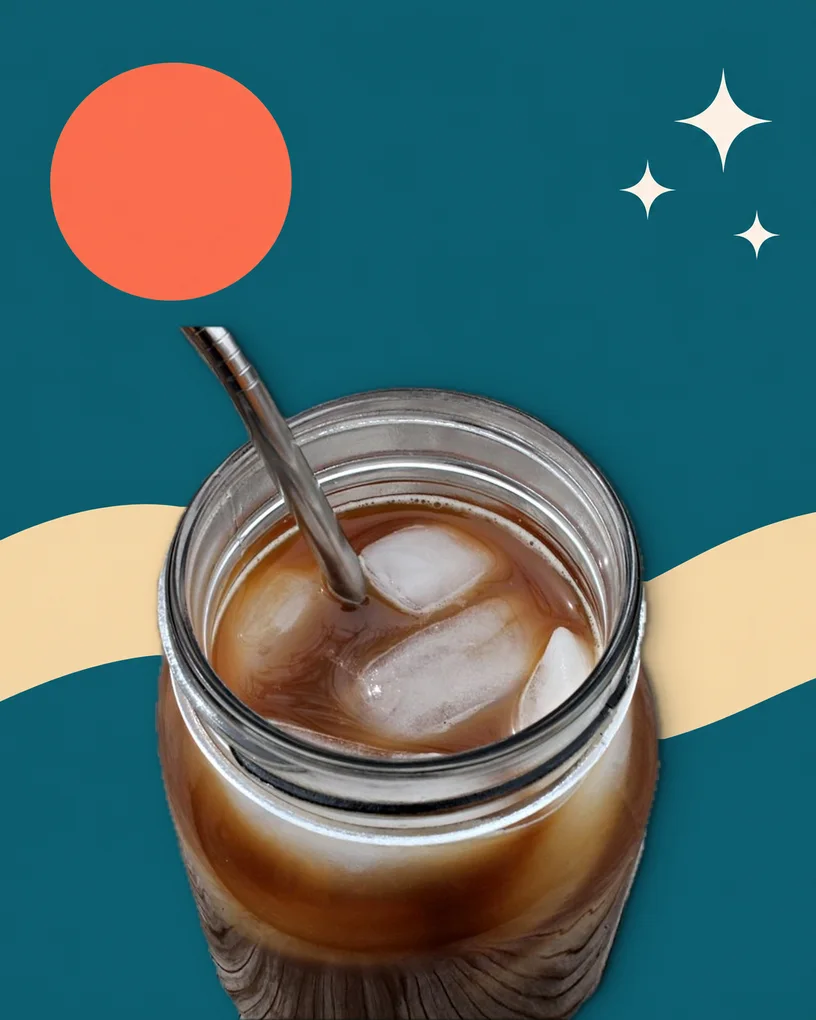
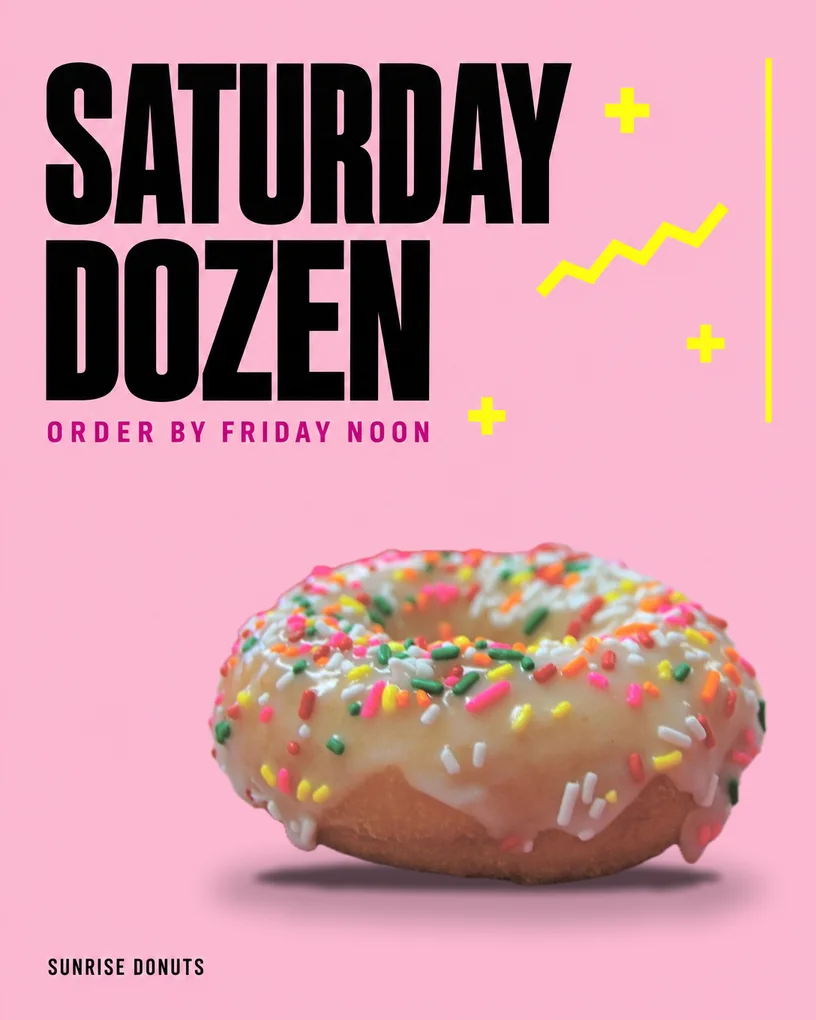
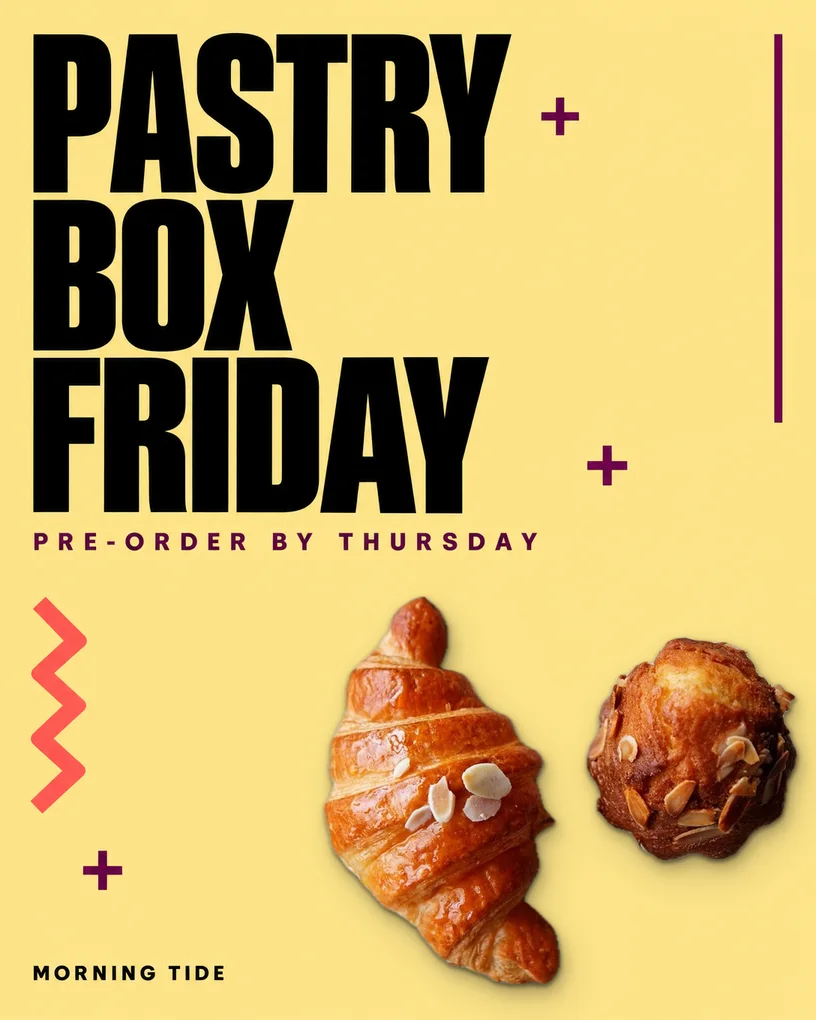
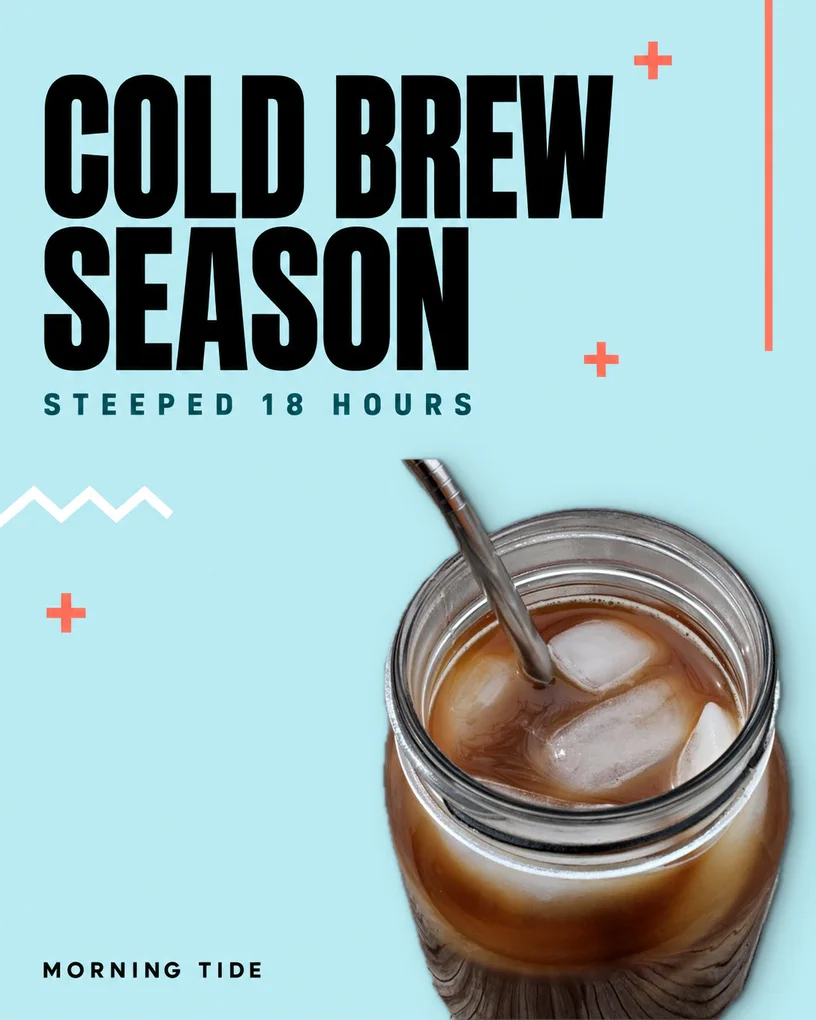
Made for this page from three photos. The AI drew each design and its words around an empty space; the product went back on as the photo's own pixels, 0 changed, and every word was checked letter by letter.
Photos: “rainbow sprinkle donut” by tommy.chheng, “Croissant and cake” by Dennis Wong and “cold brew coffee” by shalommama, all CC BY 2.0 on Flickr, cut out and placed on new designs. The cold brew jar is glass: what shows through it is the original table.
A few questions and a few photos. It learns your colours, your look and how you talk, and writes it down as your brand profile.
Five ideas with the reason for each: a service you haven't shown, the season, something you want to push. Each says whether to use a photo you have, take a new one, or generate.
Pick your photos and turn the dial: as is, a light edit, a new scene around your real product, a designed ad, or a short video. You see the cost before anything runs.
Edit the caption, approve it, and post now or on your schedule to Instagram and Facebook. Nothing goes out without your OK unless you switch on auto-post.
3.0 Real stays real
4.0 Plans
Every plan includes ideas, captions, scheduling and free light edits. Credits cover the AI pictures and video.
60 AI credits a month
200 AI credits a month
700 AI credits a month
2,000 AI credits a month
5.0 Questions
No. Phone photos are what it's built for. The light edit fixes crooked framing, dim light and colour casts, and the ideas come with a short shot list for anything new to take.
You can generate pictures from a description while you build up a library. For your actual products we'll always suggest a real photo first, since that's what customers trust.
Instagram (posts and reels) and Facebook Pages. You connect them yourself through Meta's own sign-in; we never see your password.
AI work uses credits: a new scene or designed ad is 5, a generated picture 1 to 4, video 4 per second. Using your own photos as they are, light edits and editing your own clips are free.
Yes. The content studio is its own plan. If you also have a site with us, your services and photos carry over.