 MDML
Employee management · MDML
Employee management software for restaurants, cafés and shops.
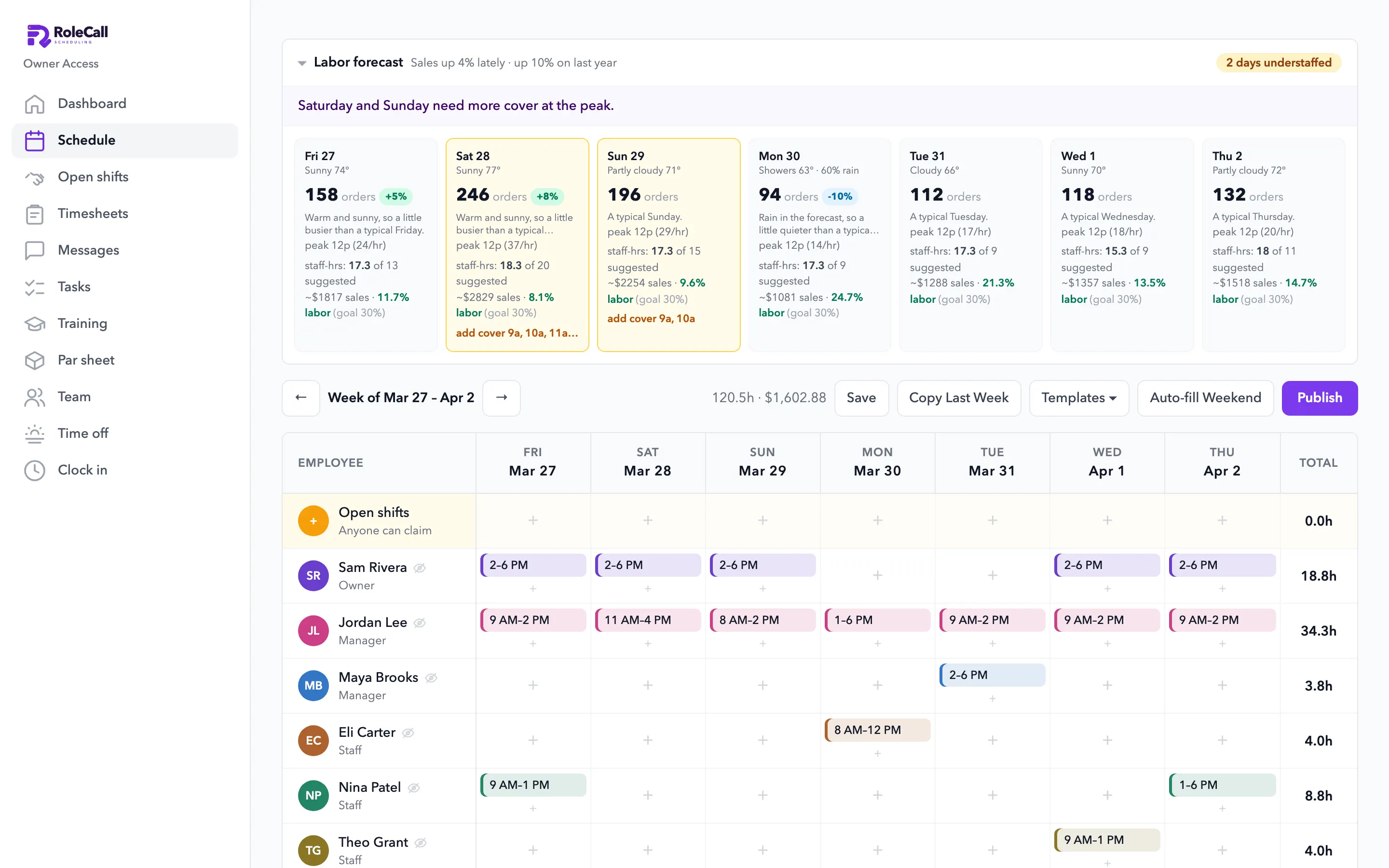
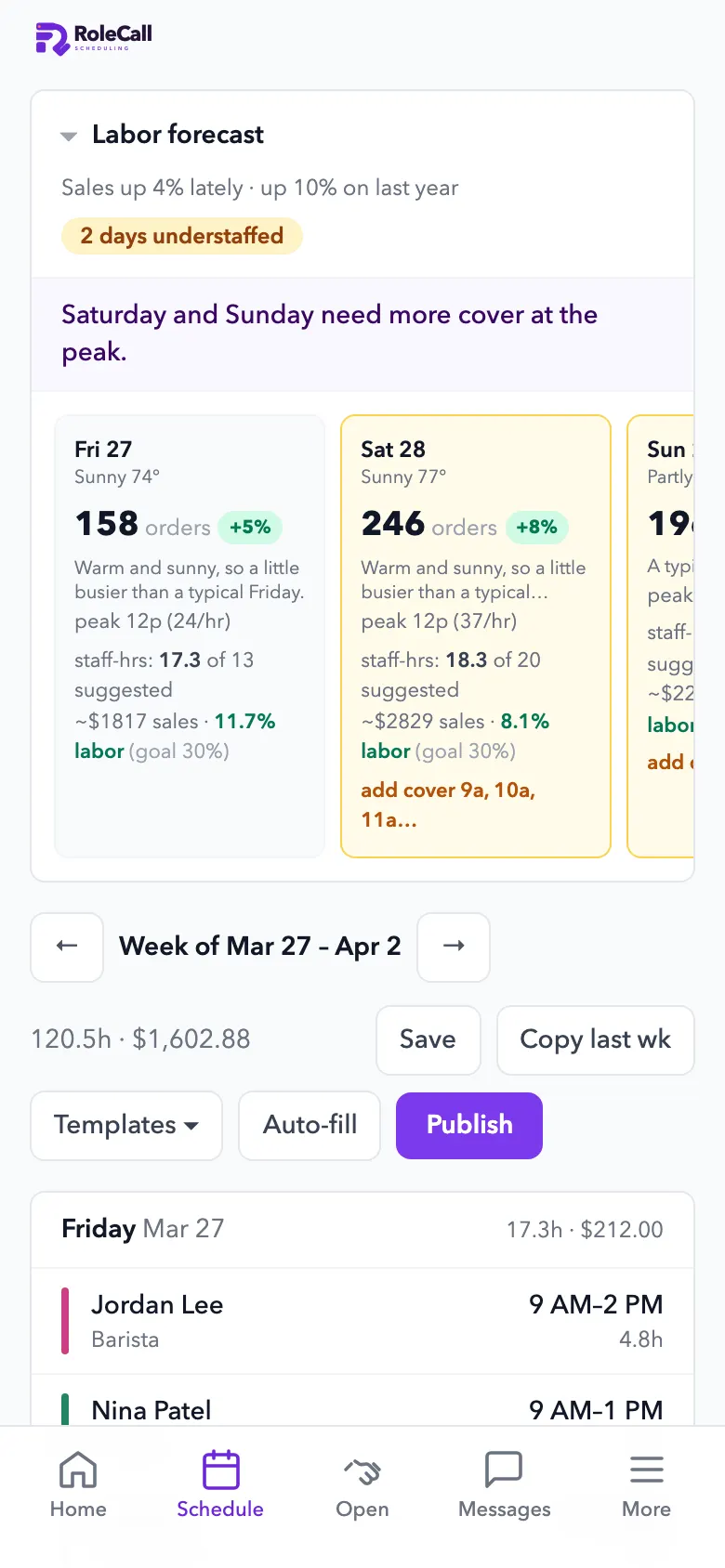
Your roster, the schedule, the time clock, time off, tasks, messages, hiring and training, in one app your whole team uses. On the web, on a phone or a computer.
Built inside a working café. The people and shop in these screenshots are a sample.
Price
Employee management on its own, or in Everything.
Available now
Compare every planBought one by one, all 8 parts cost $463 a month for a restaurant or shop. Everything is $249.
Start here
Your website, built for you. $1 for 30 days, then $25/mo.
Setup included. Cancel anytime in Billing.
See your new website free- Your site, built from your link
- Hosting and SSL
- An AI designer: edit in plain words, undo anything
- Your domain connected
- Site forms to your inbox
- A free presence report
- Online booking on your site
- A 7-day look at listings and drafted posts
1.0 Your people
One roster. Everything you need on each person.
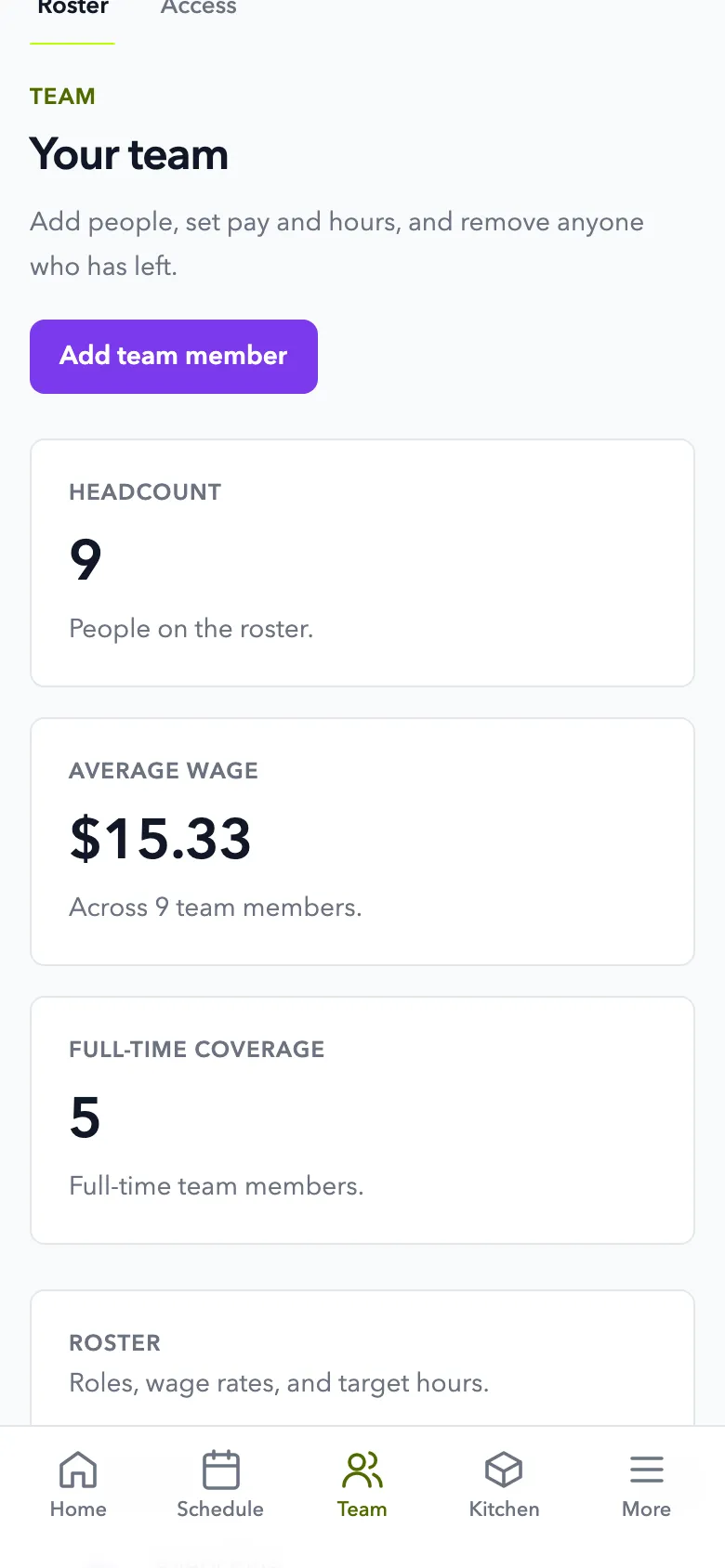
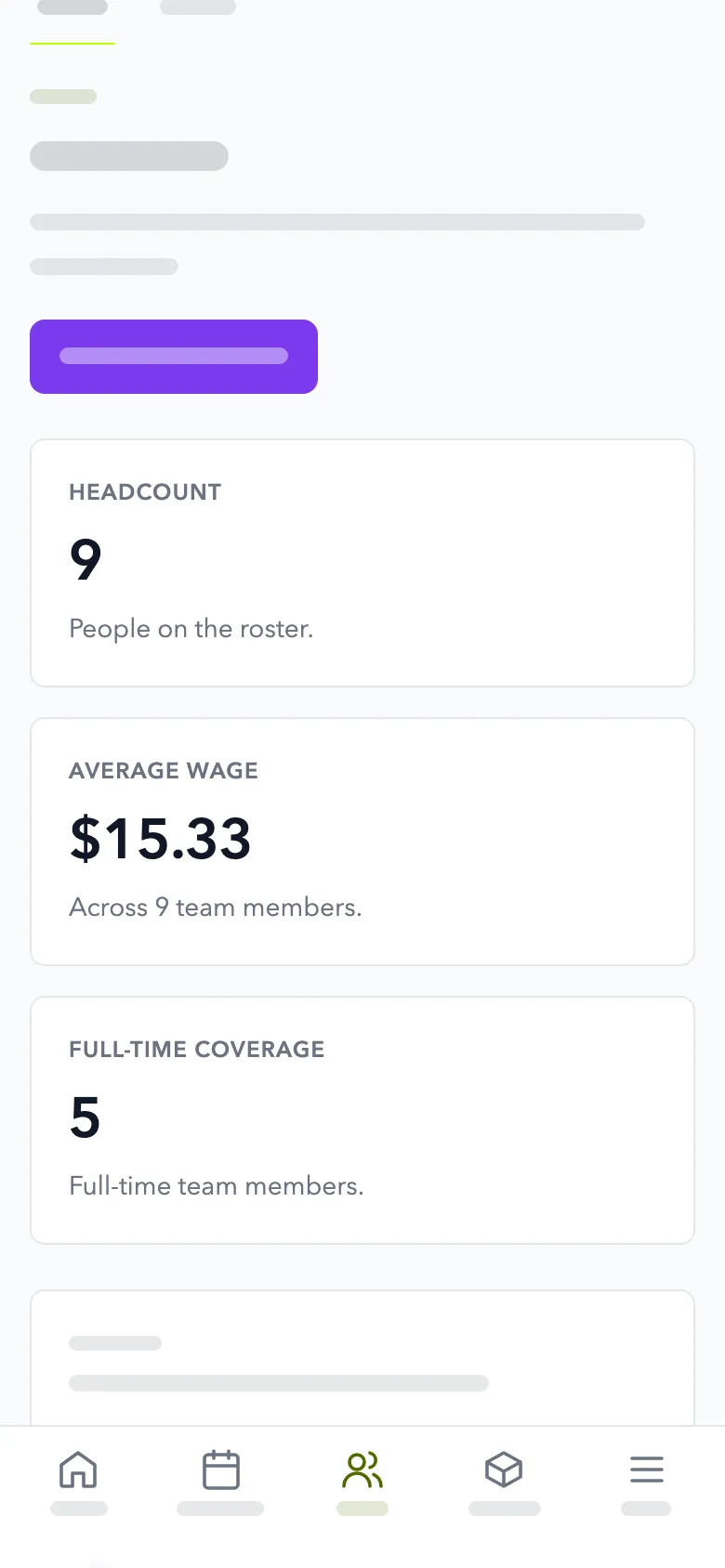
Role, pay, target hours and start date in one place, with each person seeing only what their job needs.
- A record for each personContact details, role, hourly rate, target hours a week, employment type and start date.
- Private by defaultStaff never see anyone else's pay or phone number. Labor notes stay with managers.
- Invite and removeInvite someone by email with the role they need. When you remove someone, their sign-ins end too.
- Bring your teamPaste an export from the app you use now, or bring your team in from Square.
- Minors' rulesBirthday and school status feed the labor-law checks on your schedule.
2.0 Schedules and hours
From the schedule to the timesheet.
Build the week from your sales, then clock in, review hours and send them to Square.
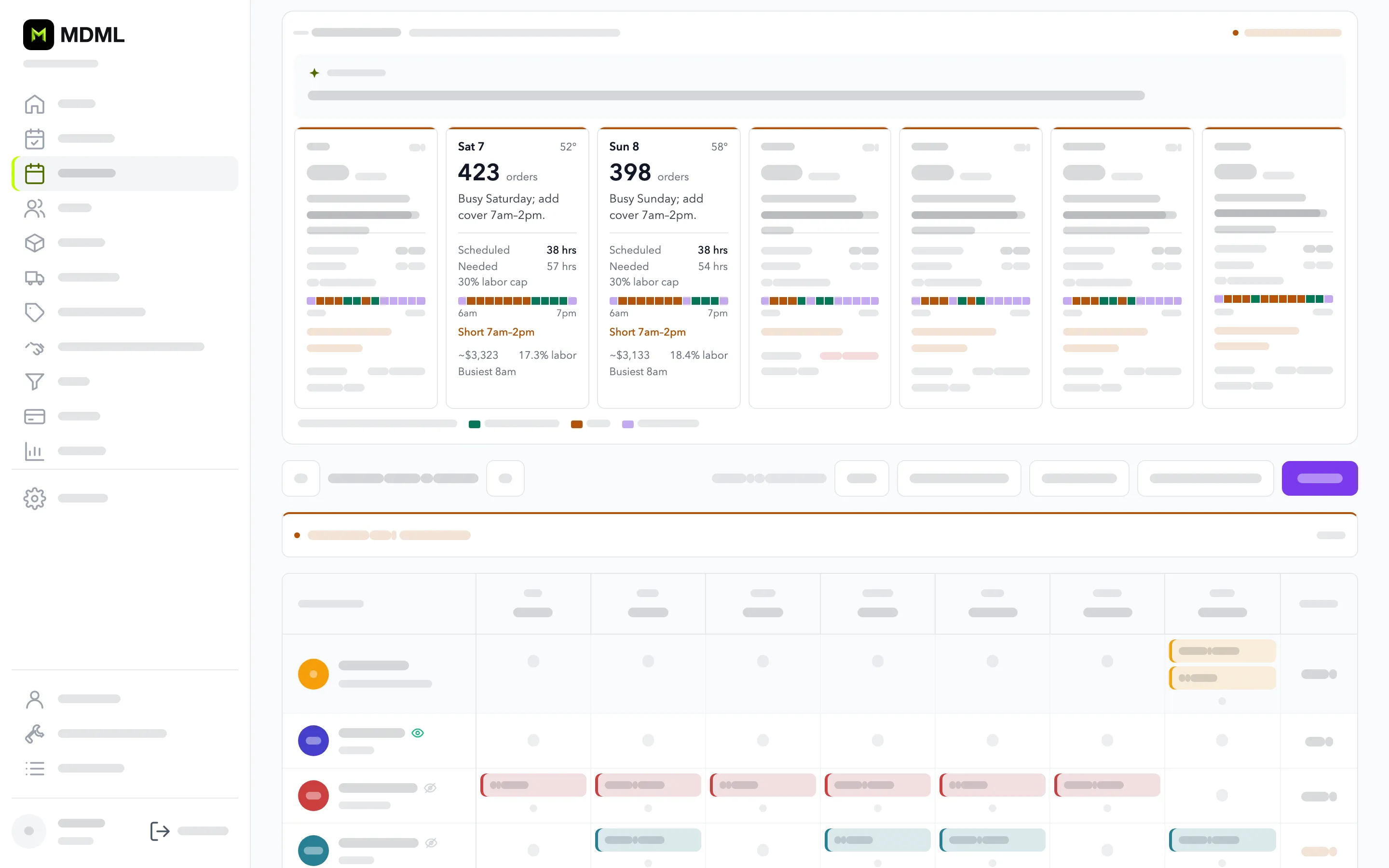
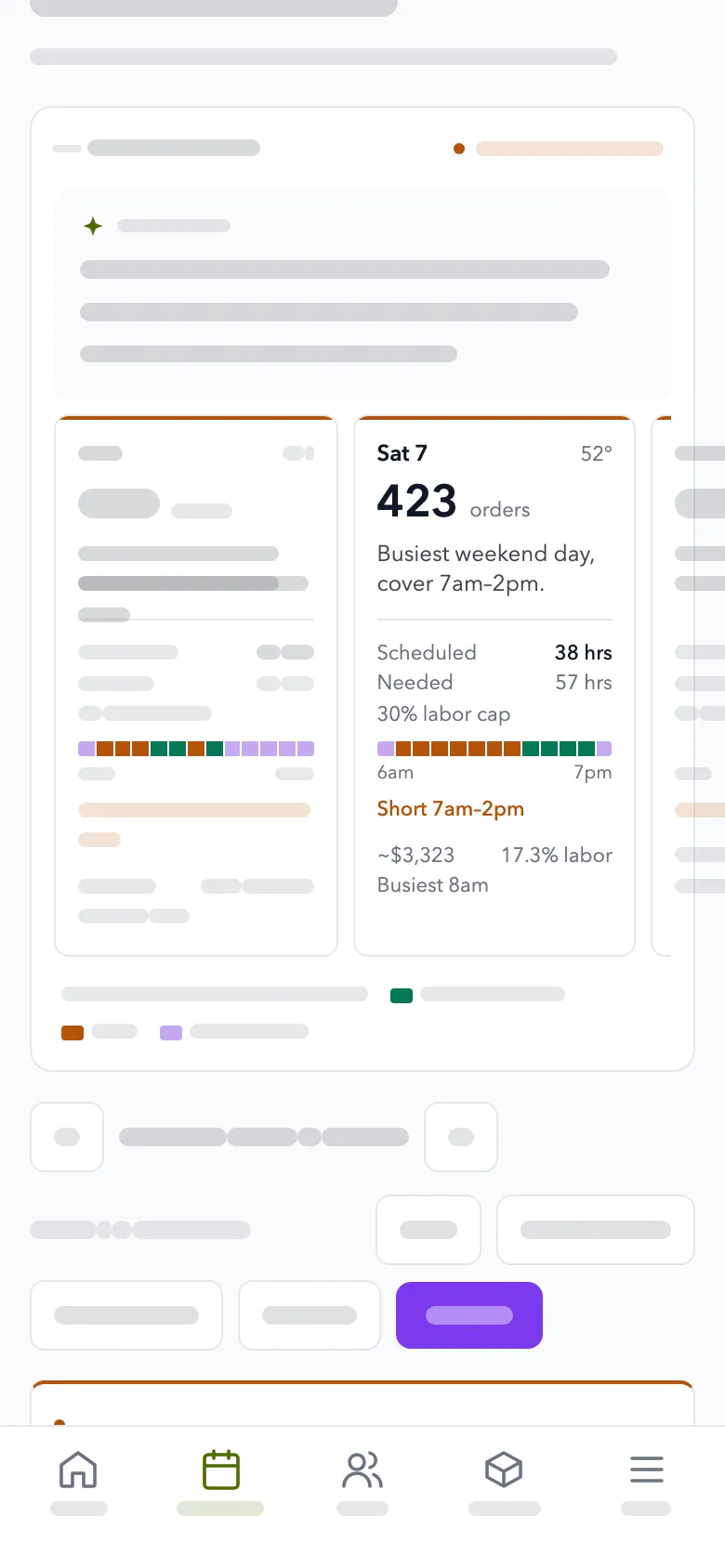
- Schedules from your salesA forecast shows which days are short-staffed. The AI builds the week and a manager publishes it.
- A time clock that checks locationStaff clock in on their phone inside the fence you set.
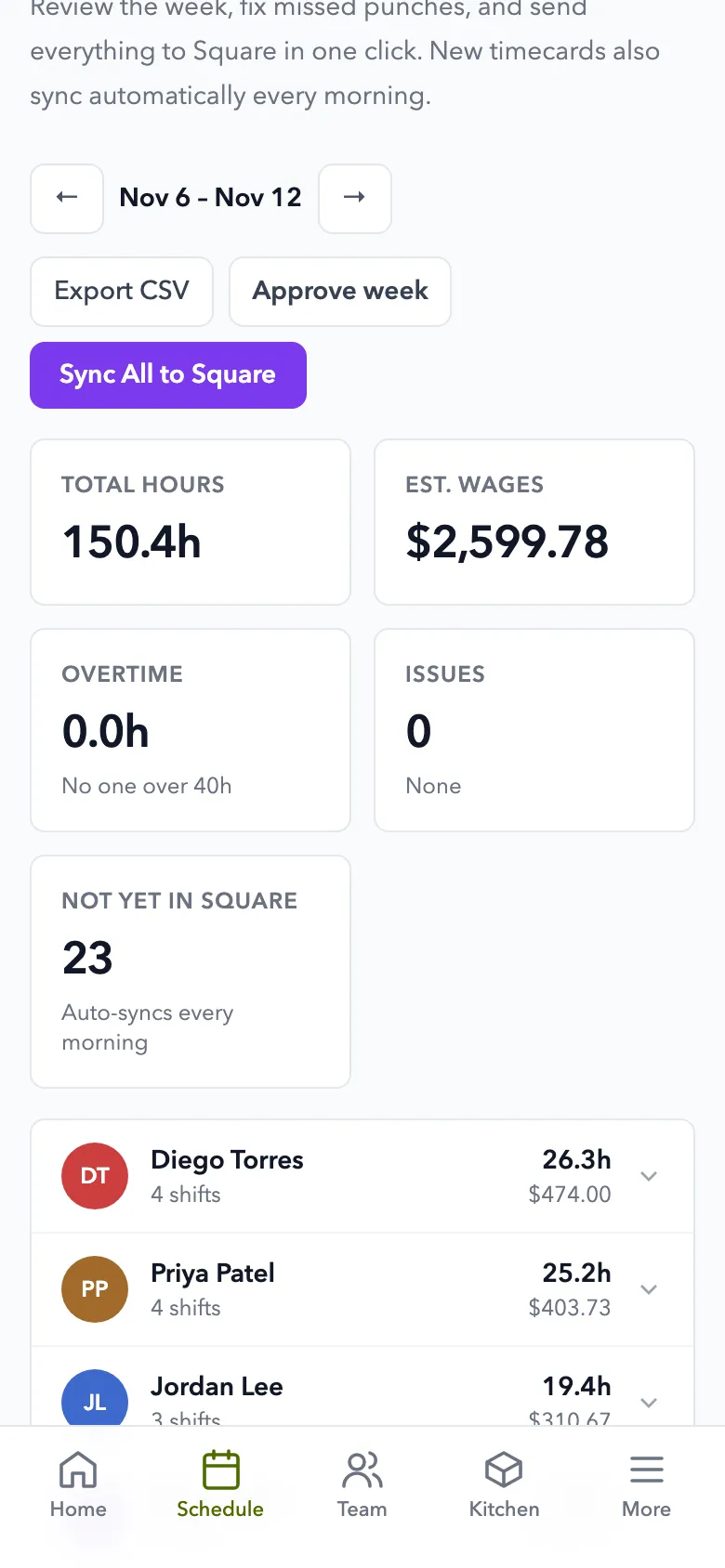
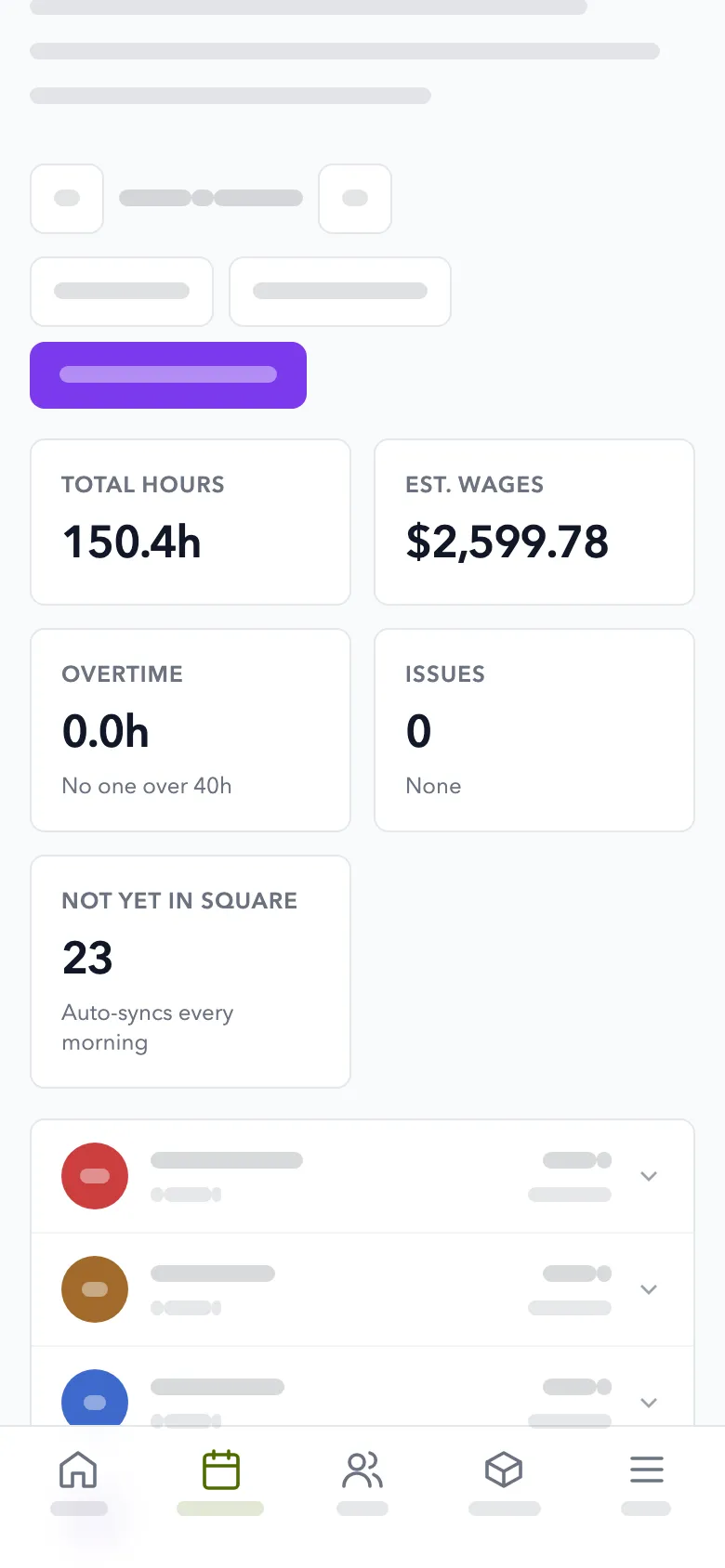
- TimesheetsOvertime flagged and missed clock-outs caught. Hours go to Square, ready for payroll.
- Open shifts and time offStaff claim shifts, offer theirs and ask for time off. You approve each one.
3.0 The day's work
Run the shift. Without the group chat.
Checklists, messages and alerts that keep the day moving when you aren't there.
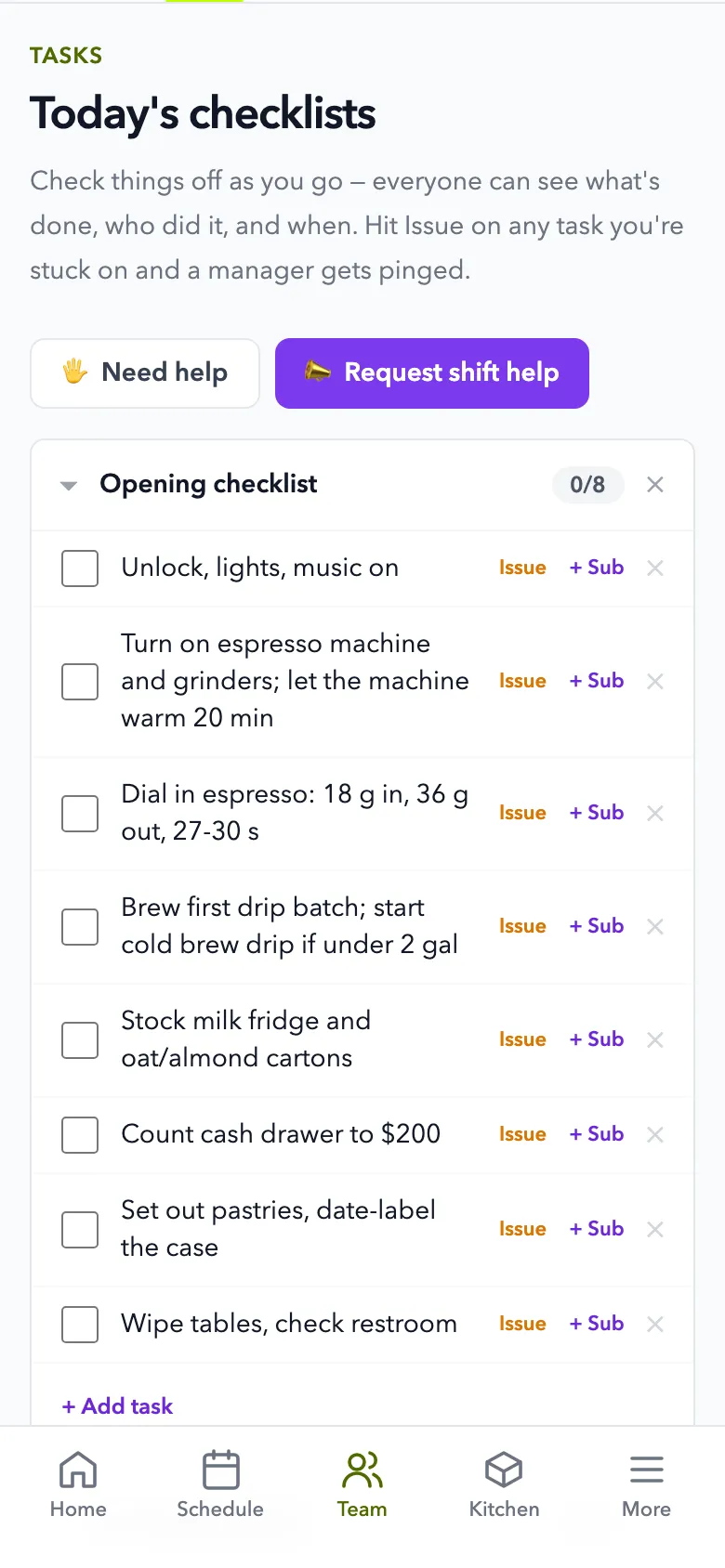
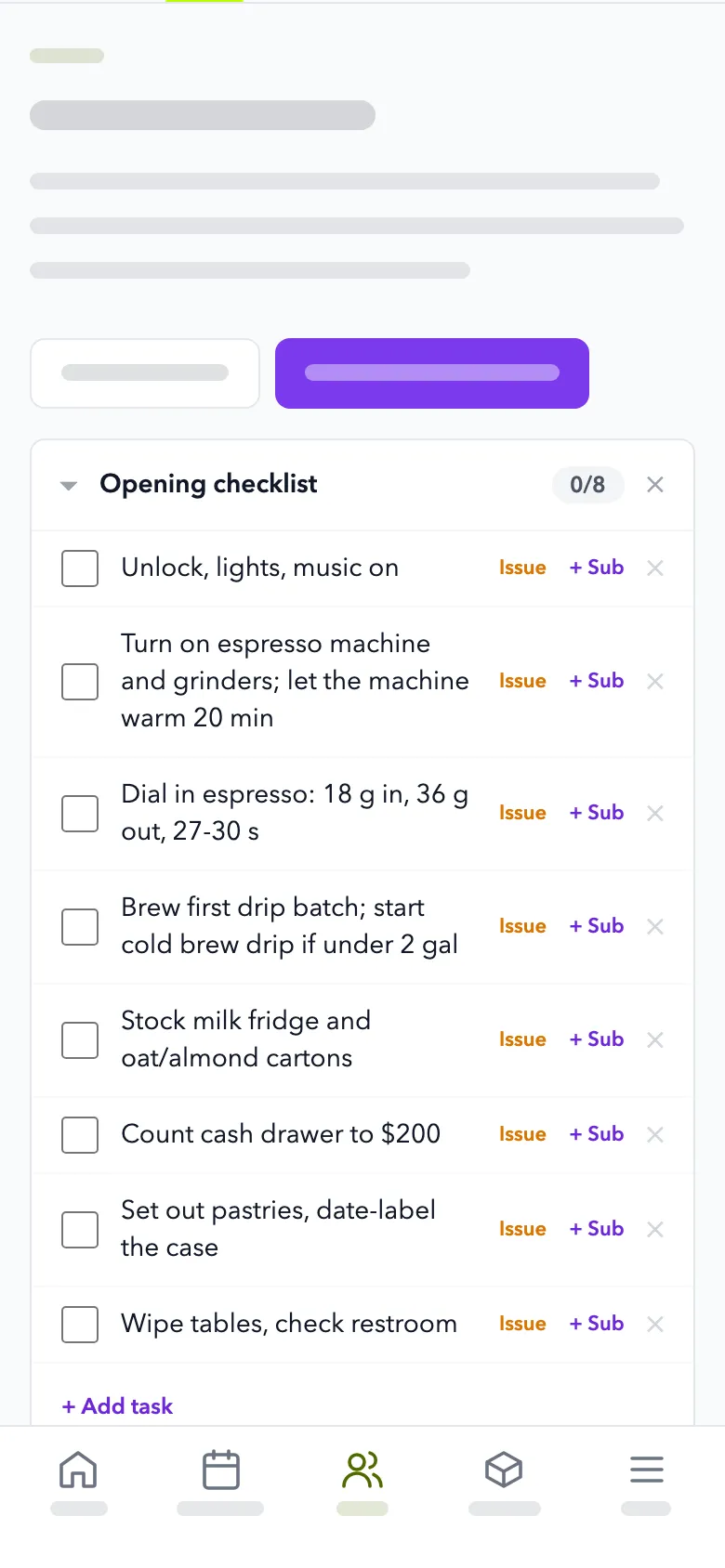
- Tasks and checklistsOpening, closing and daily checklists with who did what and when.
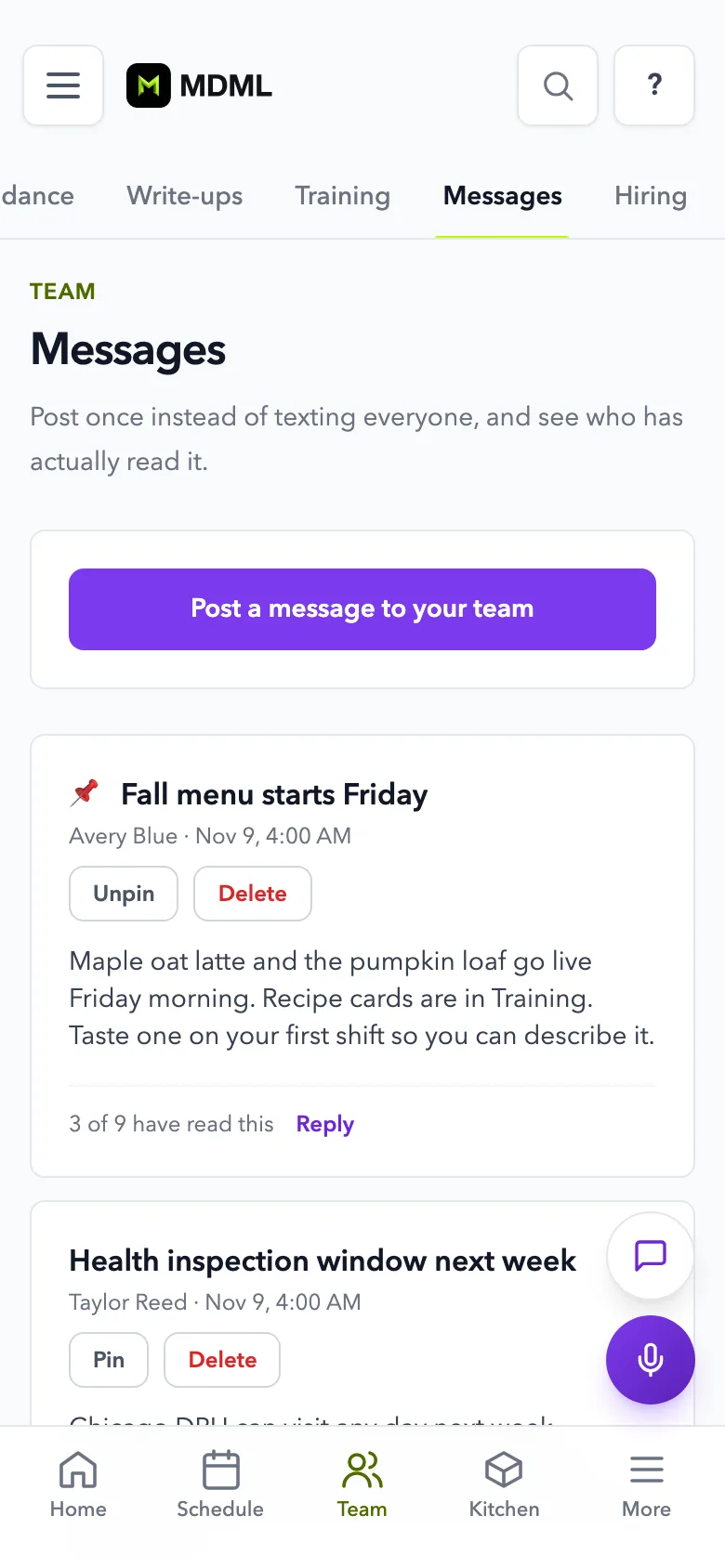
- Team messagesAnnouncements with @mentions and a push to every phone.
- Late and no-show alertsA nudge to the employee, and an alert to managers when someone doesn't show.
- Your attendance policySet points, patterns or both, like 3 lates in 90 days means a written warning. Managers decide each event and record any warning given.
- Write-upsRecord unfinished tasks, conduct or safety issues. Employees can read each one and add their side.
4.0 Hiring and training
Hire them. Then train them.
One apply link for new people, and manuals your team can ask questions of once they start.
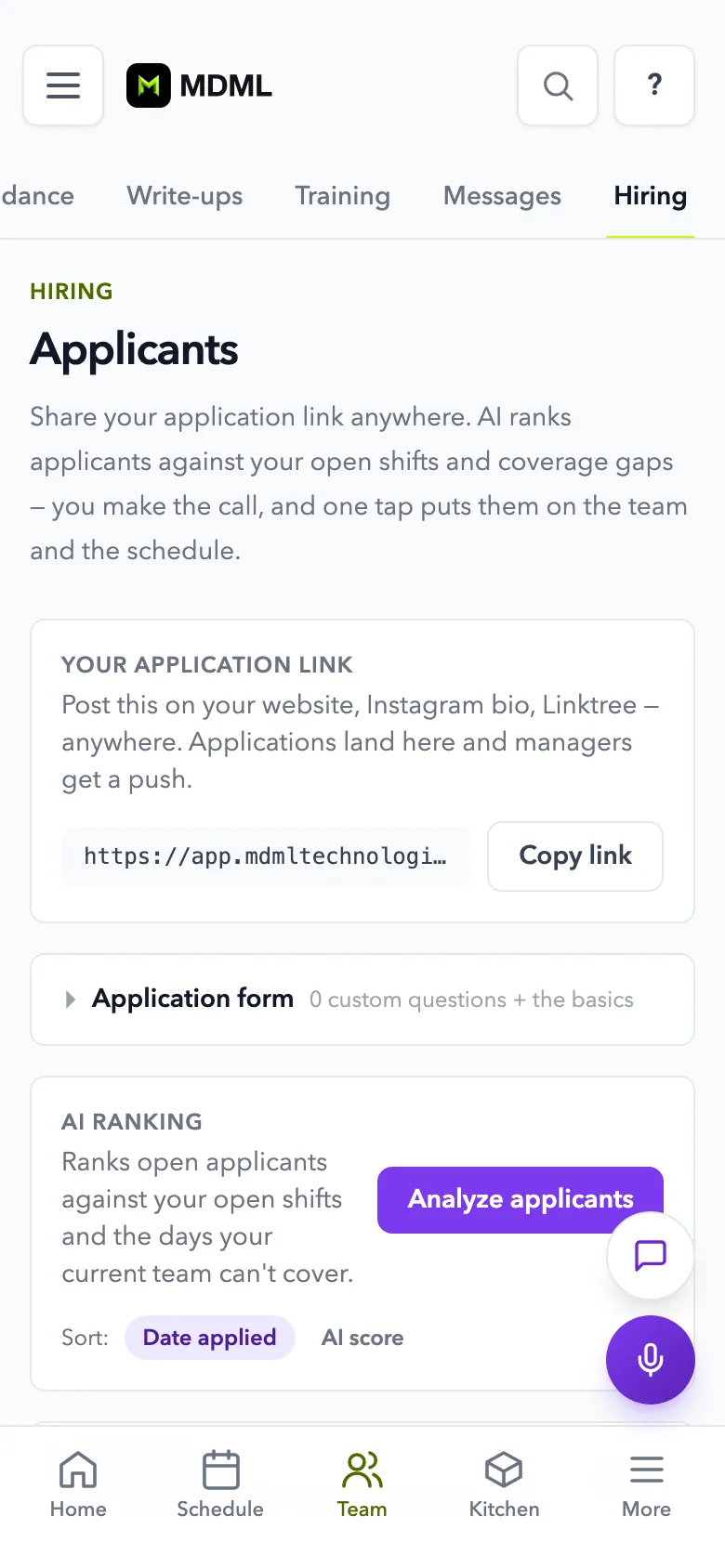
- One apply linkAI ranks applicants against your open shifts. Every hire is your call.
- On the roster in one tapSet their role, pay and weekly hours, and they join your team.
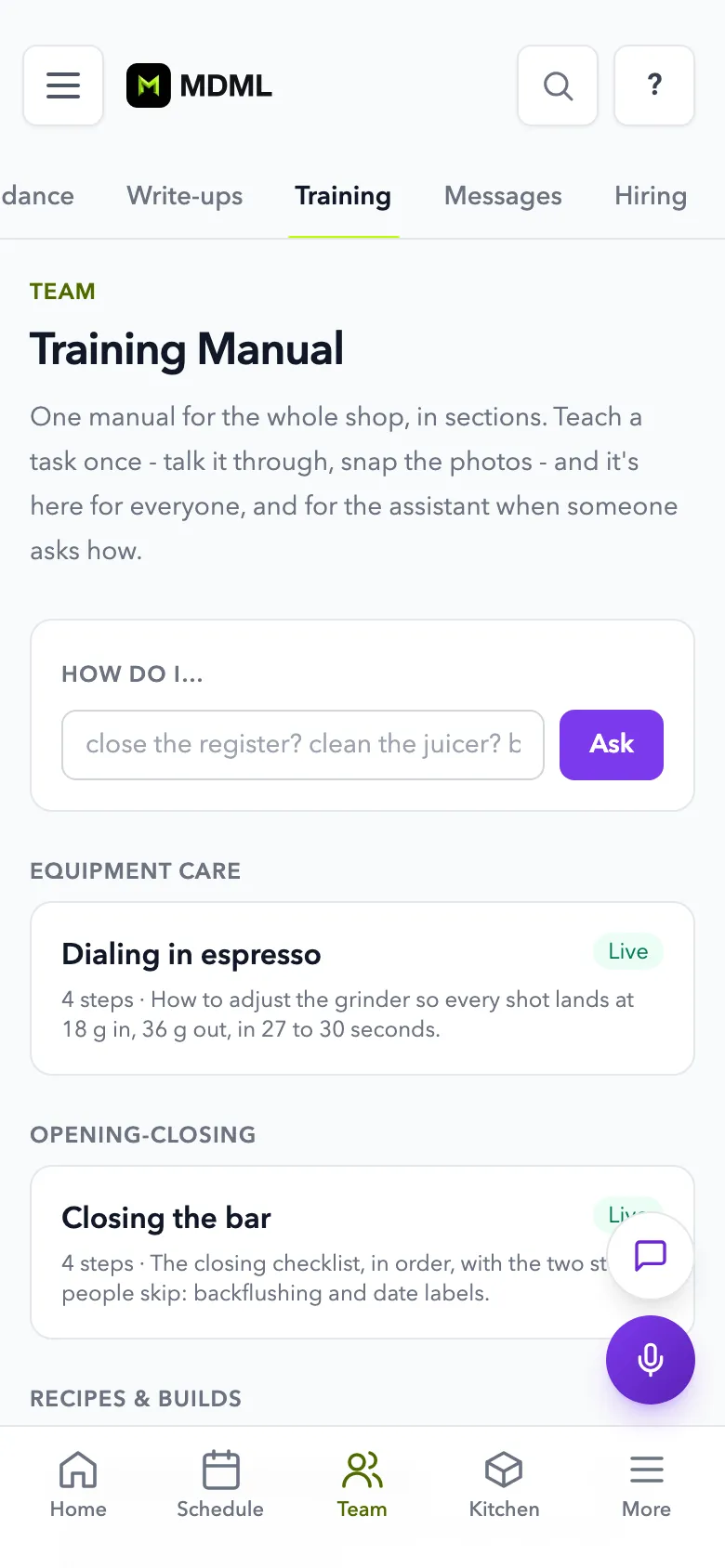
- Manuals built by talkingTalk through a station once and it becomes a step-by-step manual.
- See who's trainedA grid shows who's trained and verified at every station.
Questions
Asked and answered.
- How much does it cost?
- Free for up to 5 people: scheduling, the time clock, checklists, team messages, the calendar and a recipe calculator for up to 10 recipes, 1 location. Hiring and training aren't part of that. Scheduling, $79 a month per location, adds them. Every part of MDML is in Everything for $249 a month per location ($49 your first month).
- What can staff see?
- Their own schedule, hours, tasks and training, plus the team roster. Staff never see anyone else's pay or phone number.
- Do I have to enter everyone by hand?
- No. Paste an export from the app you use now and it becomes your team list, or bring your team in from Square. You can also add people one at a time.
- Does it handle attendance warnings?
- Yes, for late starts, no-shows, leaving early and coming back late from breaks. You set the policy and a manager decides each event. MDML only counts: it never disciplines anyone or docks pay by itself. Unfinished tasks don't count toward warnings.
- Can I write someone up?
- Yes, for unfinished tasks, conduct, safety, dress code or anything else that isn't attendance. A manager writes it, picks the step from a coaching talk to a final warning, and issues it. The employee can read it, add their side and download a copy. MDML never issues one by itself.
- Does it run payroll?
- No. Timecards go to Square every morning, ready for payroll, or you can export a CSV. MDML doesn't run payroll itself.
- Is it for trades and field crews?
- This page describes the app for restaurants, cafés and shops. Trades businesses have their crew and timesheets under Dispatch in the trades app.
Goes with
More that works with it.
- Employee schedulingSchedules from your sales forecast, with swaps and time off.
- Time clockClock in inside the shop's fence. Hours go to Square.
- HiringOne apply link, applicants ranked for your open shifts.
- Staff trainingManuals built by talking. Staff ask it how to do things.
- EverythingEvery part, one price per location.
- For restaurants and cafésStock, schedules, the kiosk and the kitchen screen.